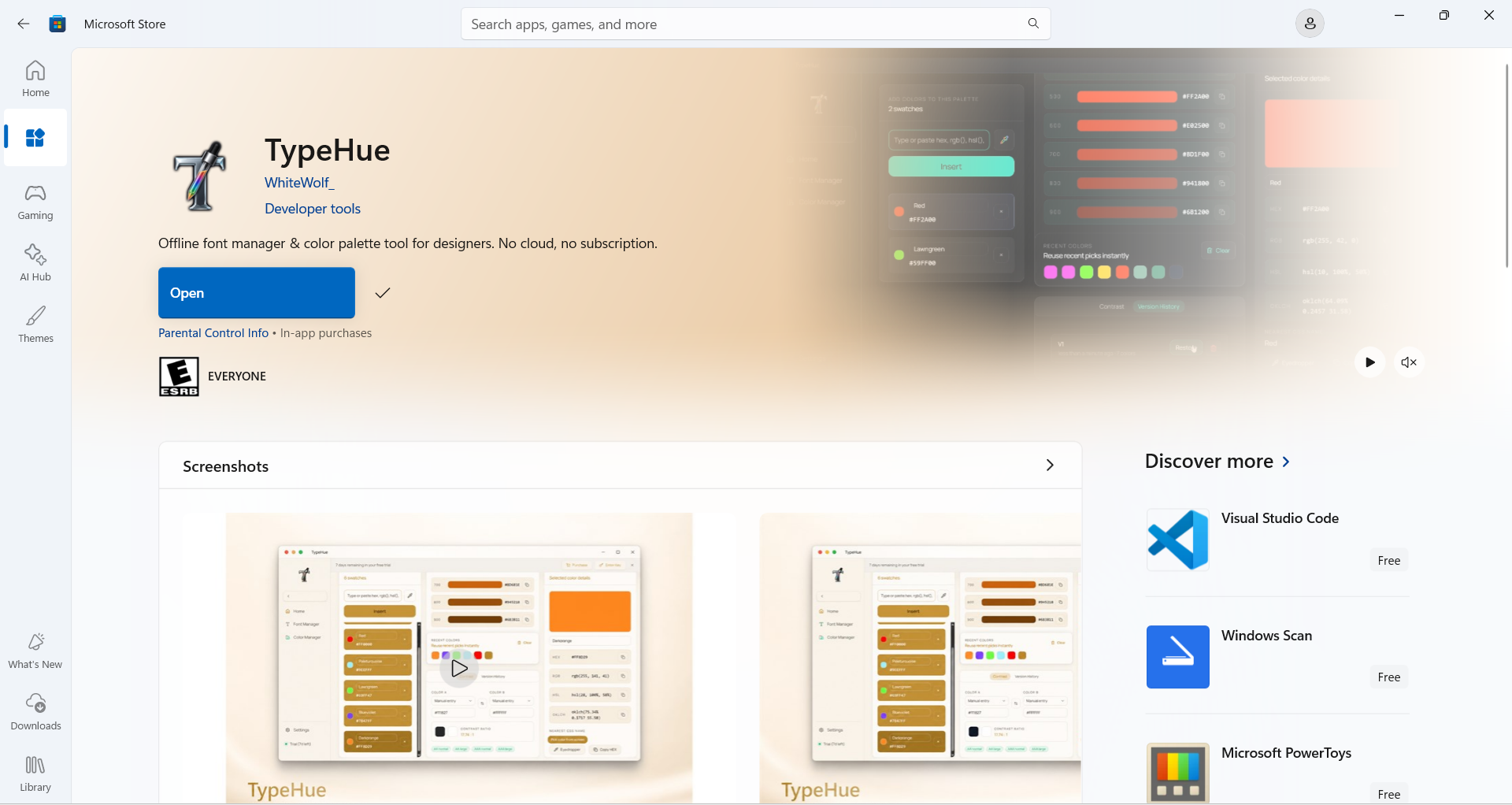

TypeHue — Offline Font Manager and Color Palette Tool for Windows
Windows Native · Offline First

Fonts and color,
finally under control.

TypeHue is a focused desktop workspace for designers and developers who are tired of scattered workflows. Manage your favourite fonts & color palettes. Stay offline. Ship faster.

Requires Windows 10 (64-bit) or Windows 11

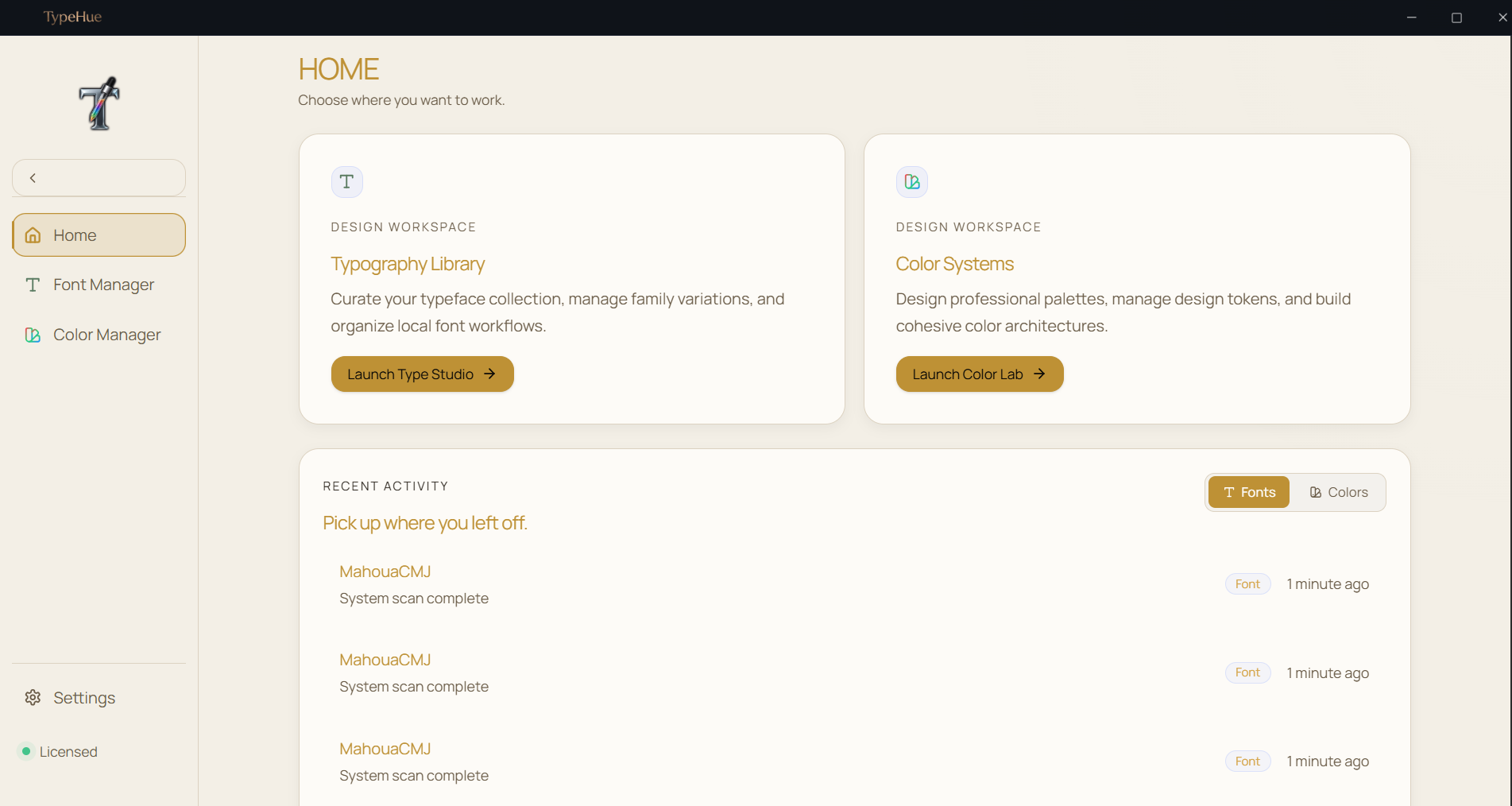
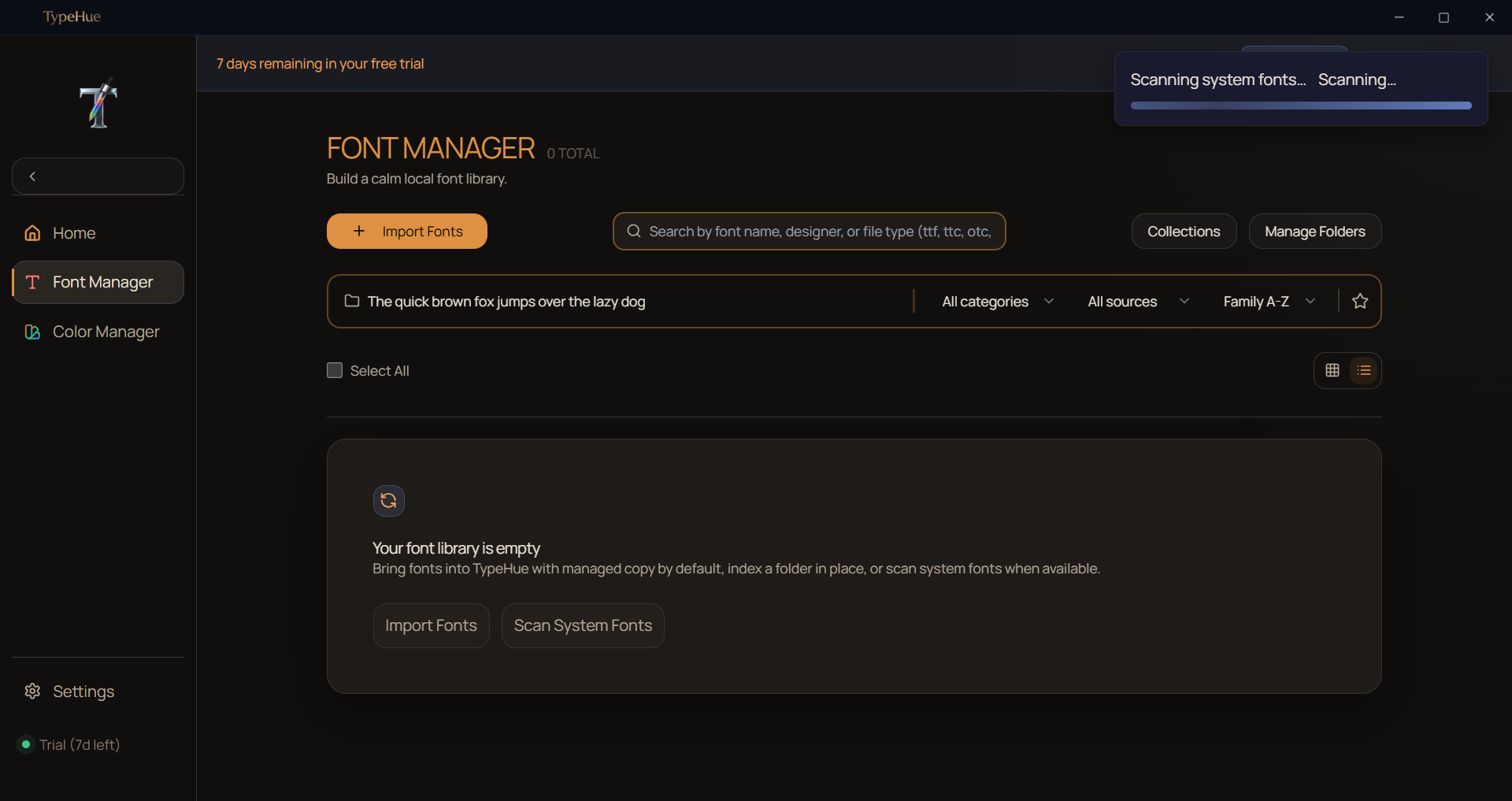
TypeHue desktop app interface showing font library browser with dark mode theme

See TypeHue in action

Watch a quick demo of how the Font and Color managers streamline your workflow.

Color Manager

TypeHue: Color Manager
TypeHue: Color ManagerPlay Demo

Font Manager

TypeHue: Font Manager
TypeHue: Font ManagerPlay Demo

Professional Standards

FontsOTFTTFWOFFWOFF2TTCOTC
ColorsHEXRGBHSLOKLCH

The library browser
you actually want.

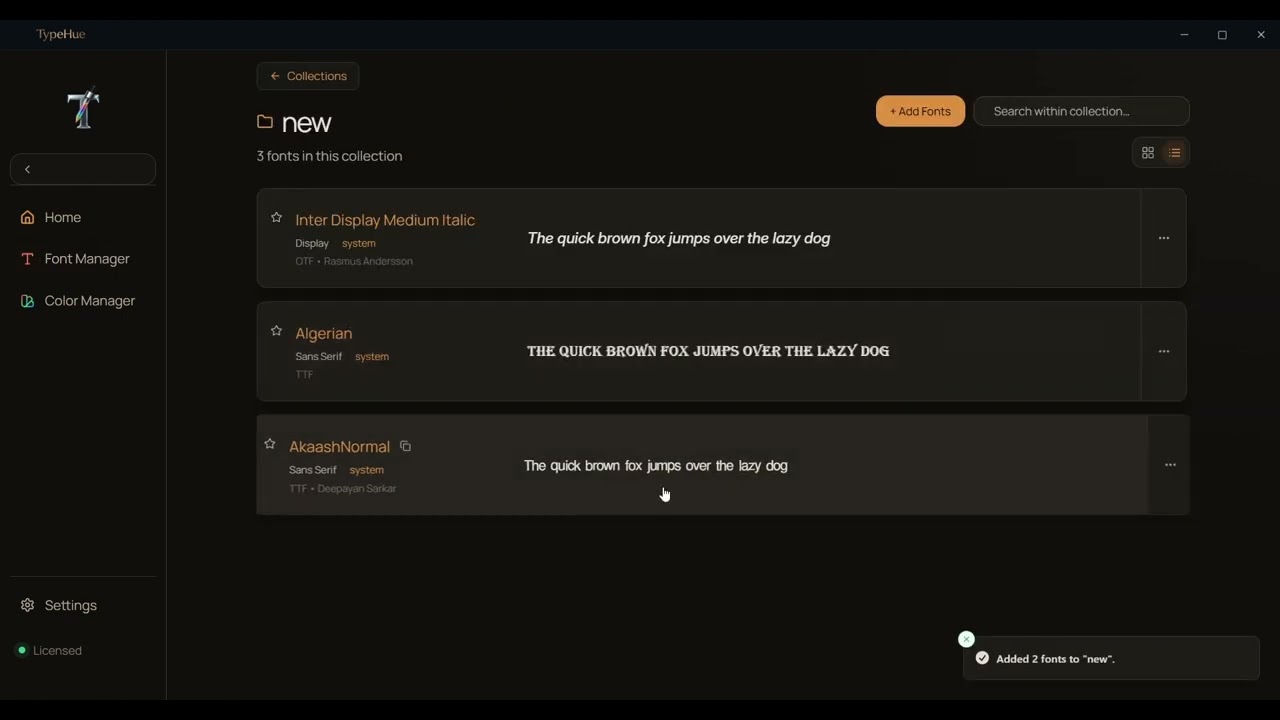
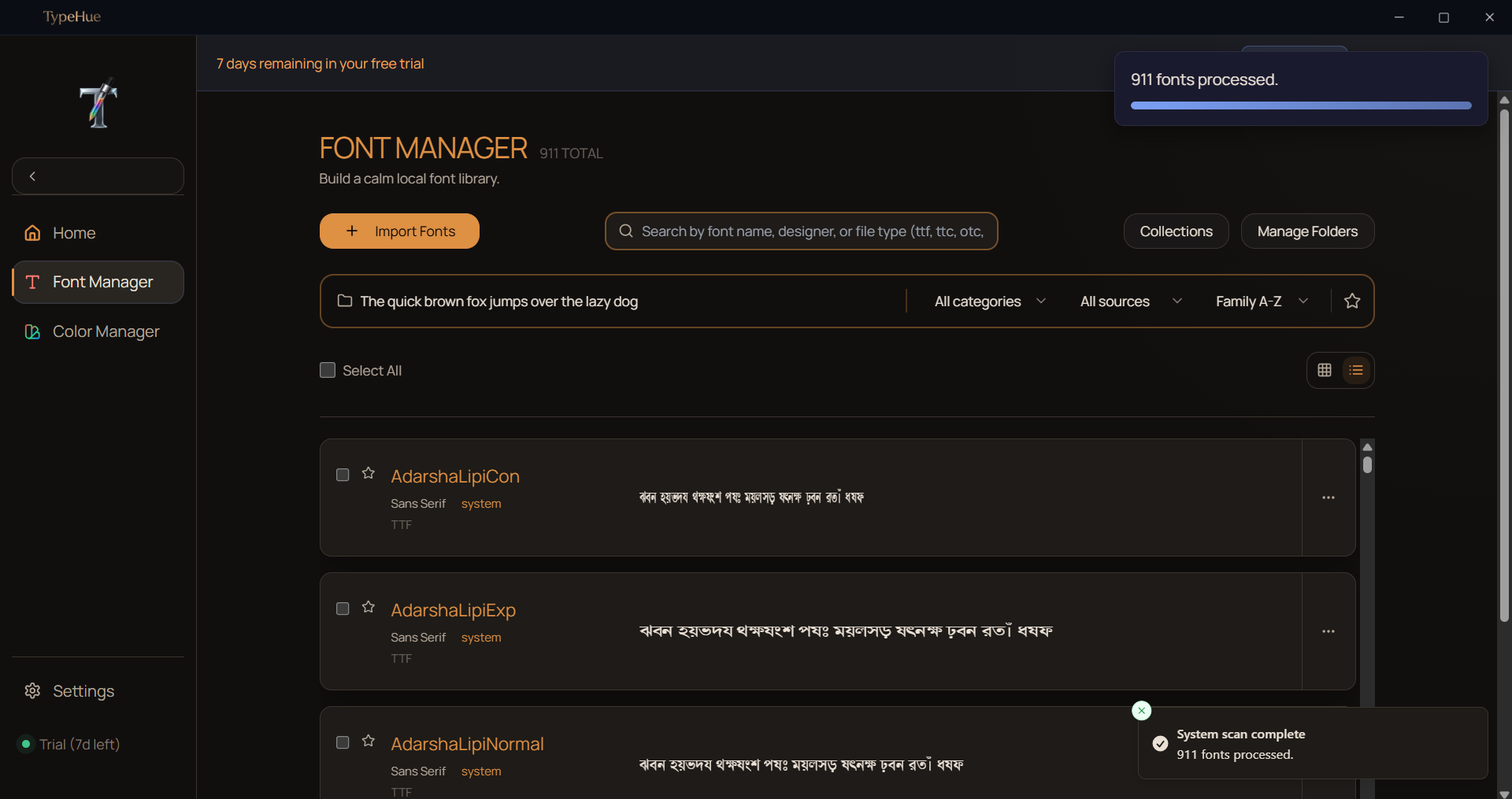
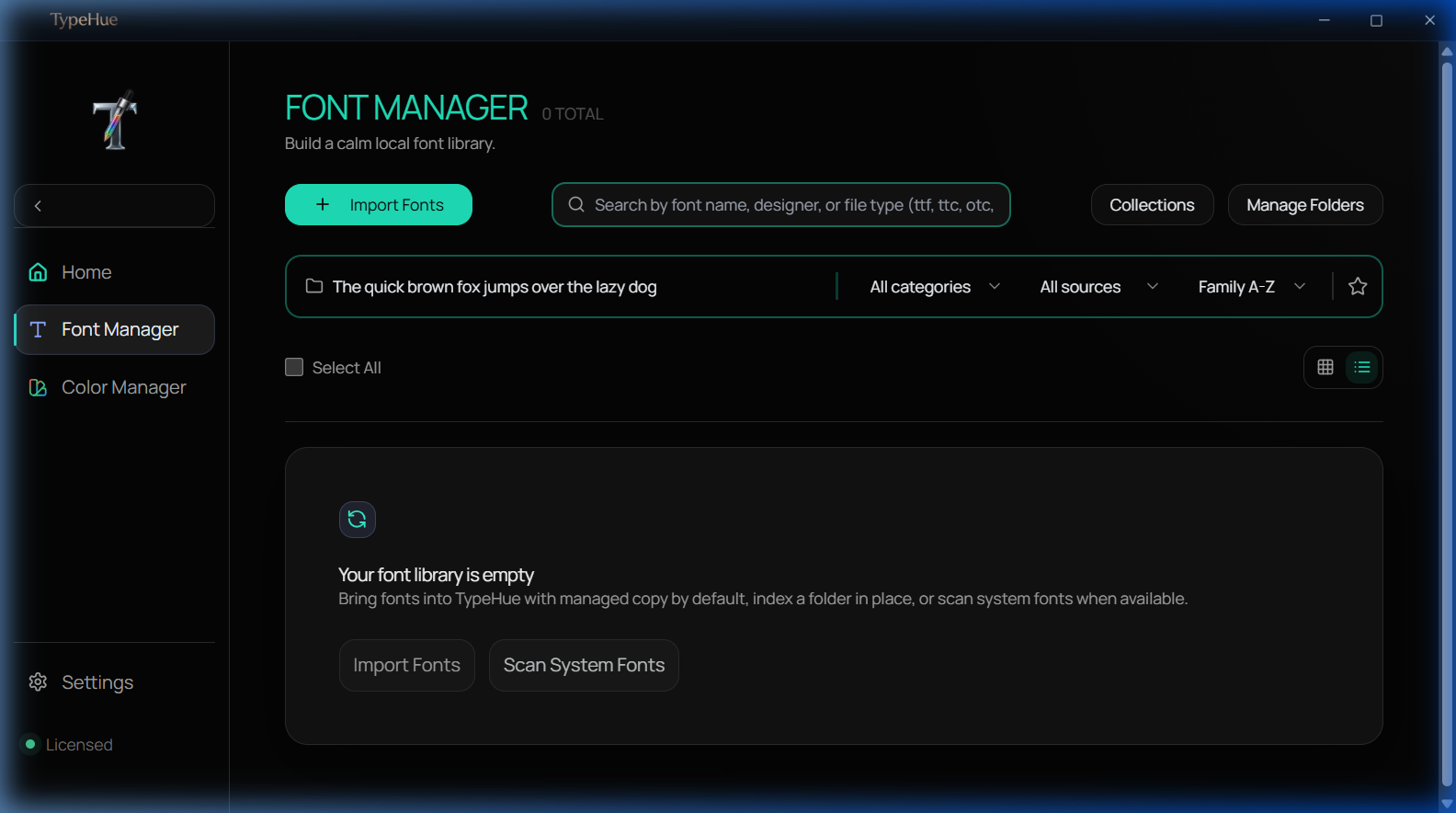
TypeHue scans your local folders instantly. Browse system fonts, compare side-by-side, and organize your collection without handing your data to a marketplace.

  • Scan folders or individual files
  • System fonts import
  • Side-by-side comparison mode
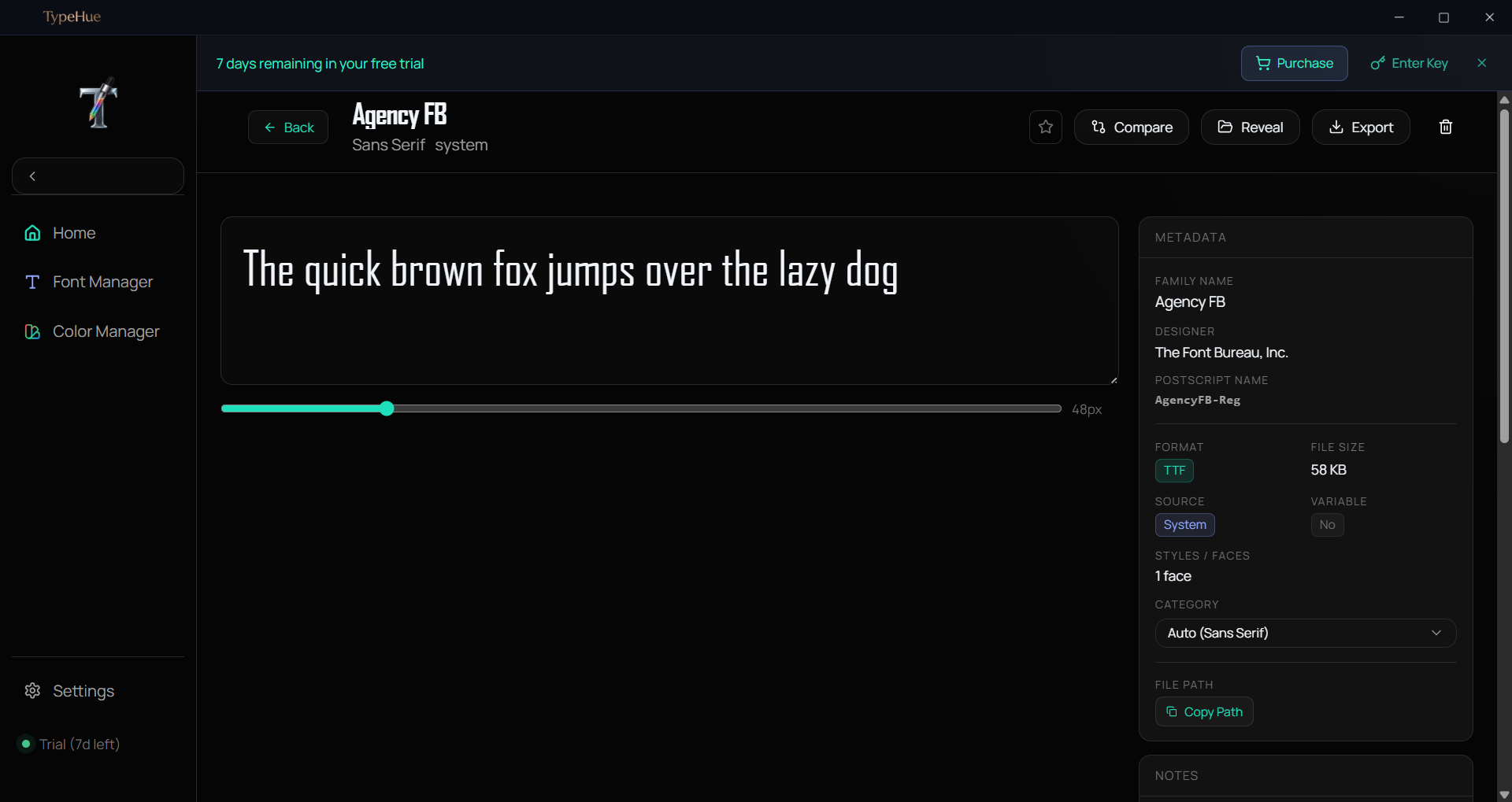
  • Deep metadata extraction
  • Organize favourite fonts in Collections
  • Quiet, focused interface with great aesthetics
  • Many more...
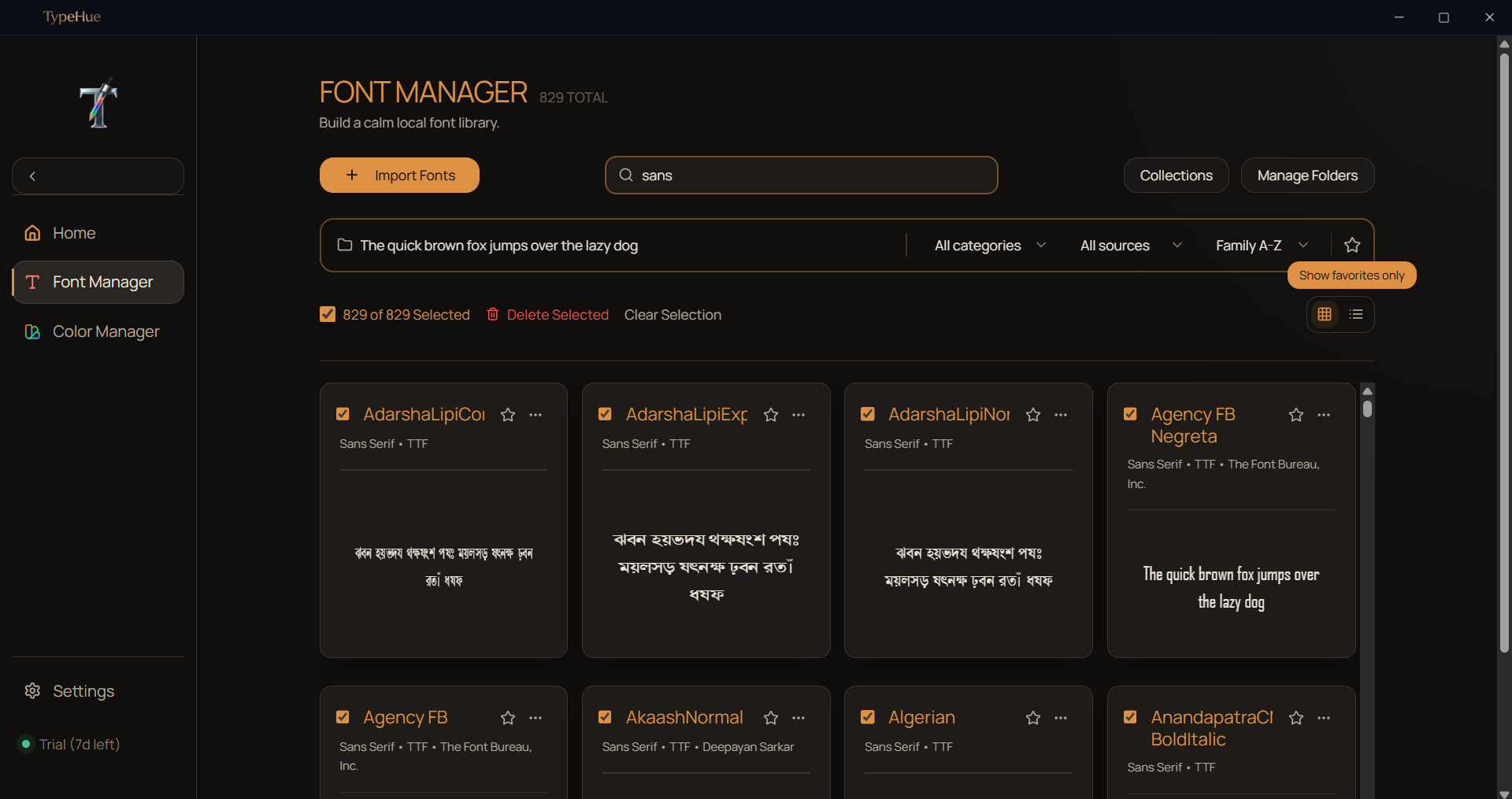
TypeHue Font Manager — browse and organize local font library with side-by-side comparison
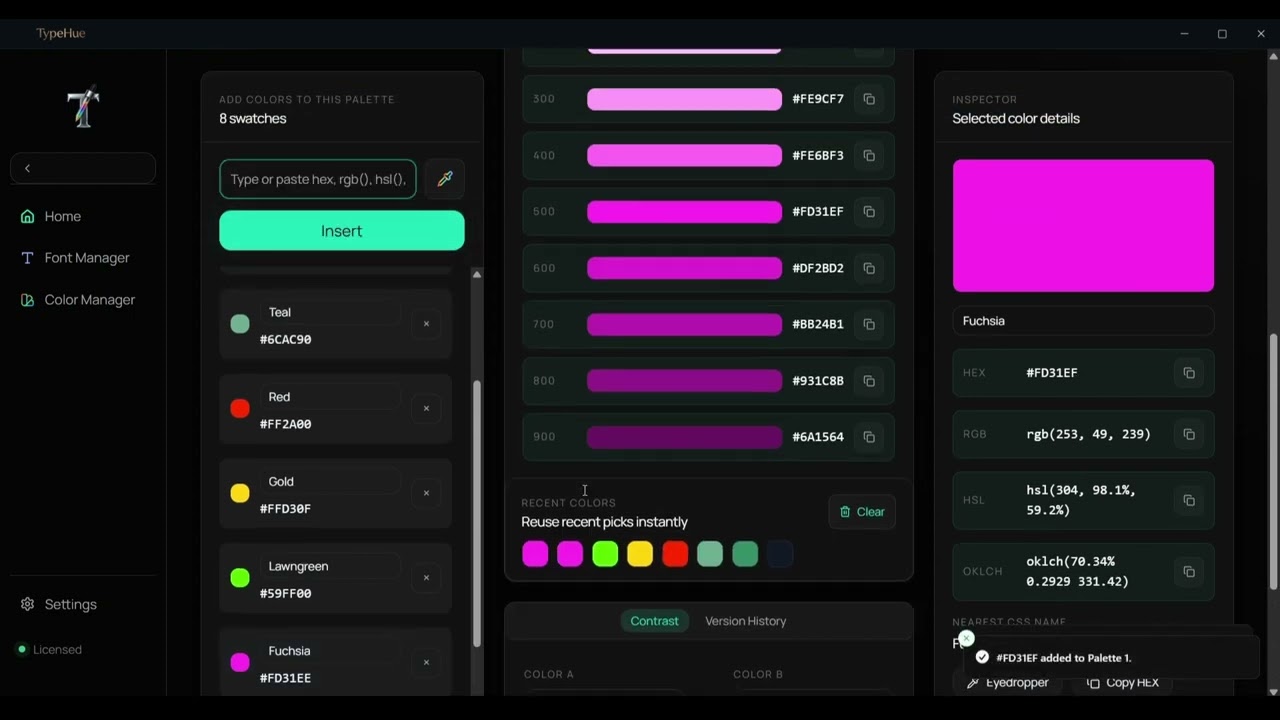
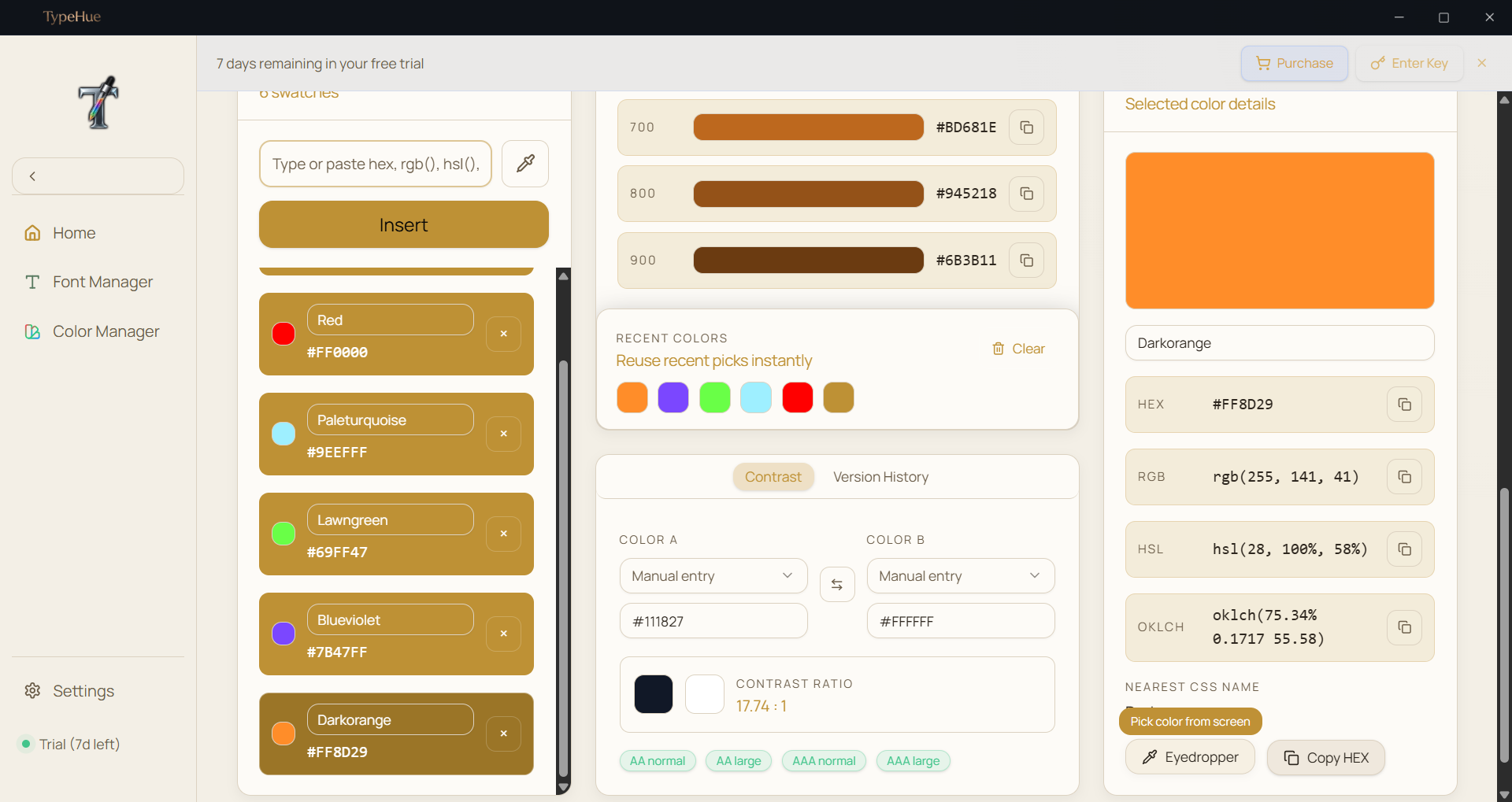
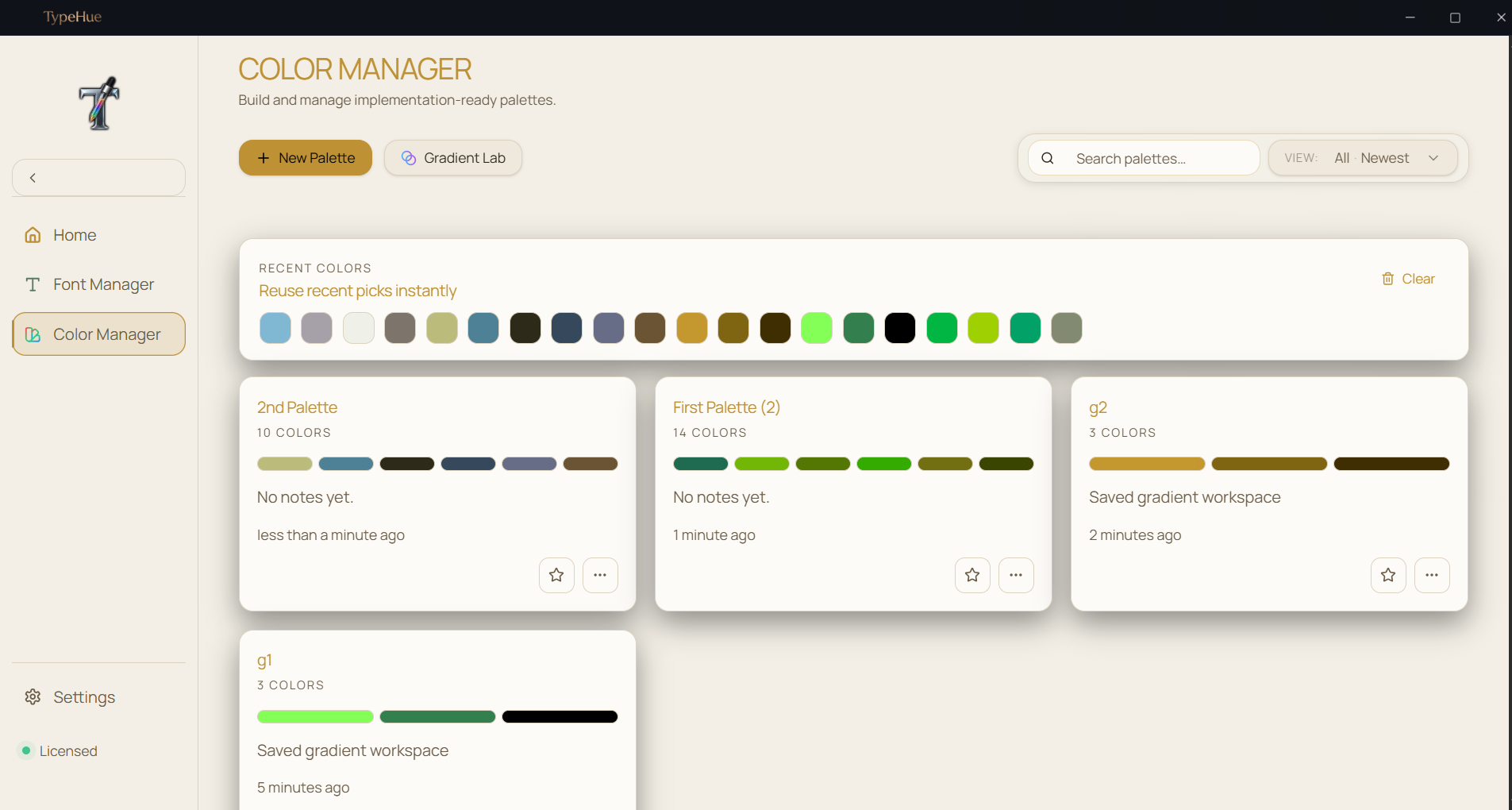
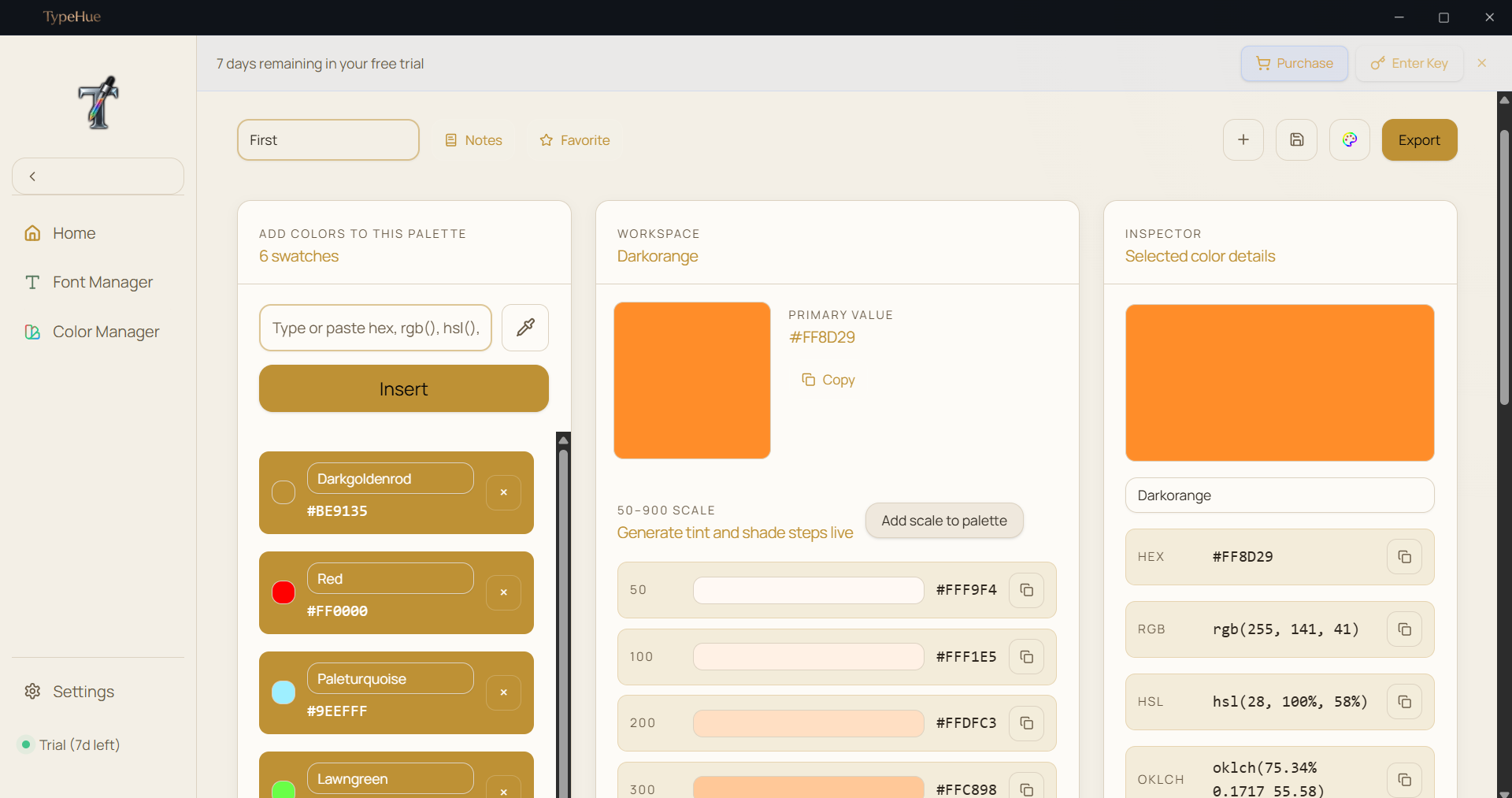
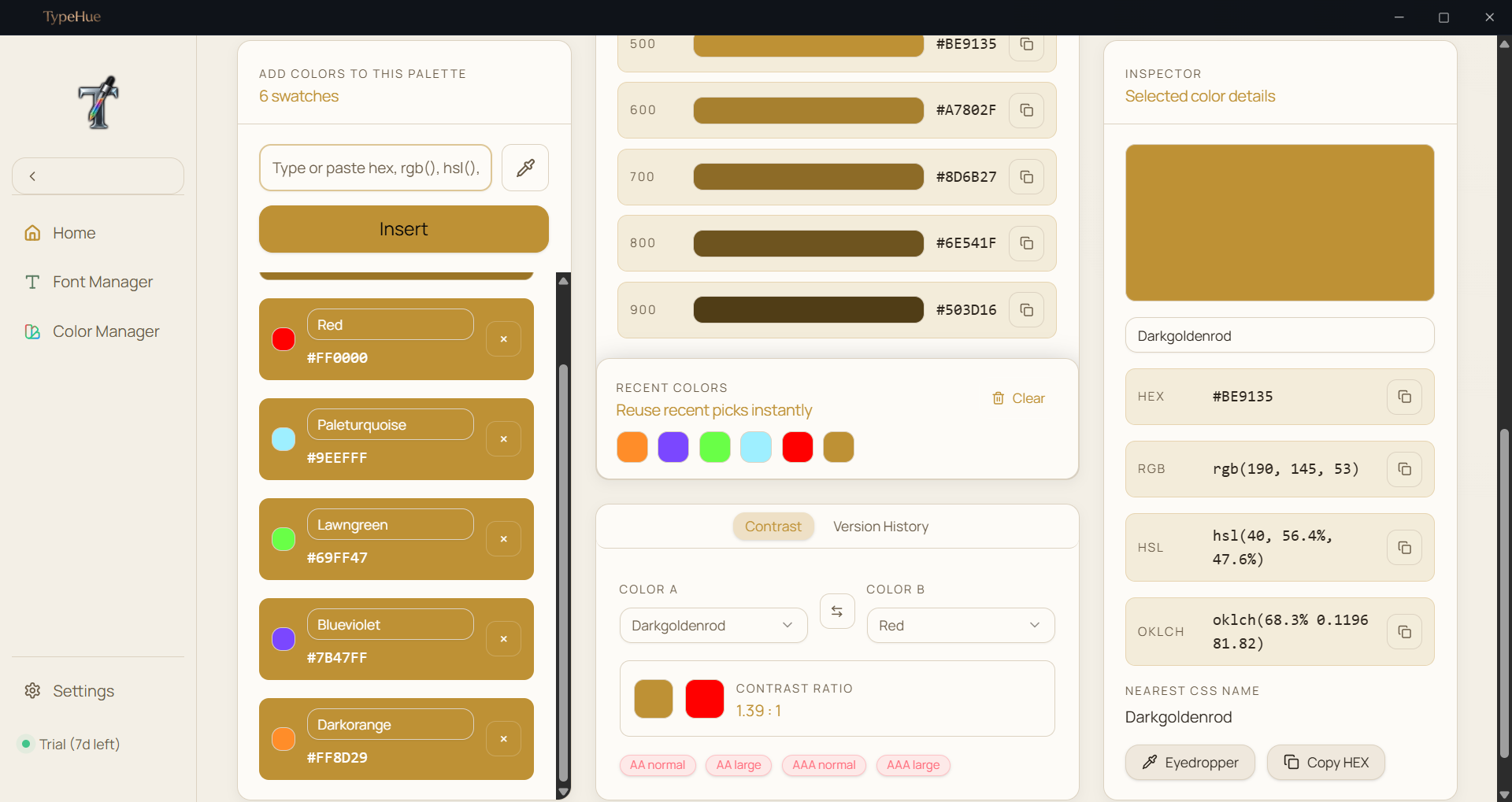
TypeHue Color Manager — dynamic color palette generator with WCAG contrast checking

Color workflows,
masterfully handled.

Generate palettes, check accessibility, and export variables without a browser tab in sight. Professional-grade color tools built right into your toolkit.

  • Dynamic palette generation
  • WCAG contrast ratio checking
  • Snapshot history logs
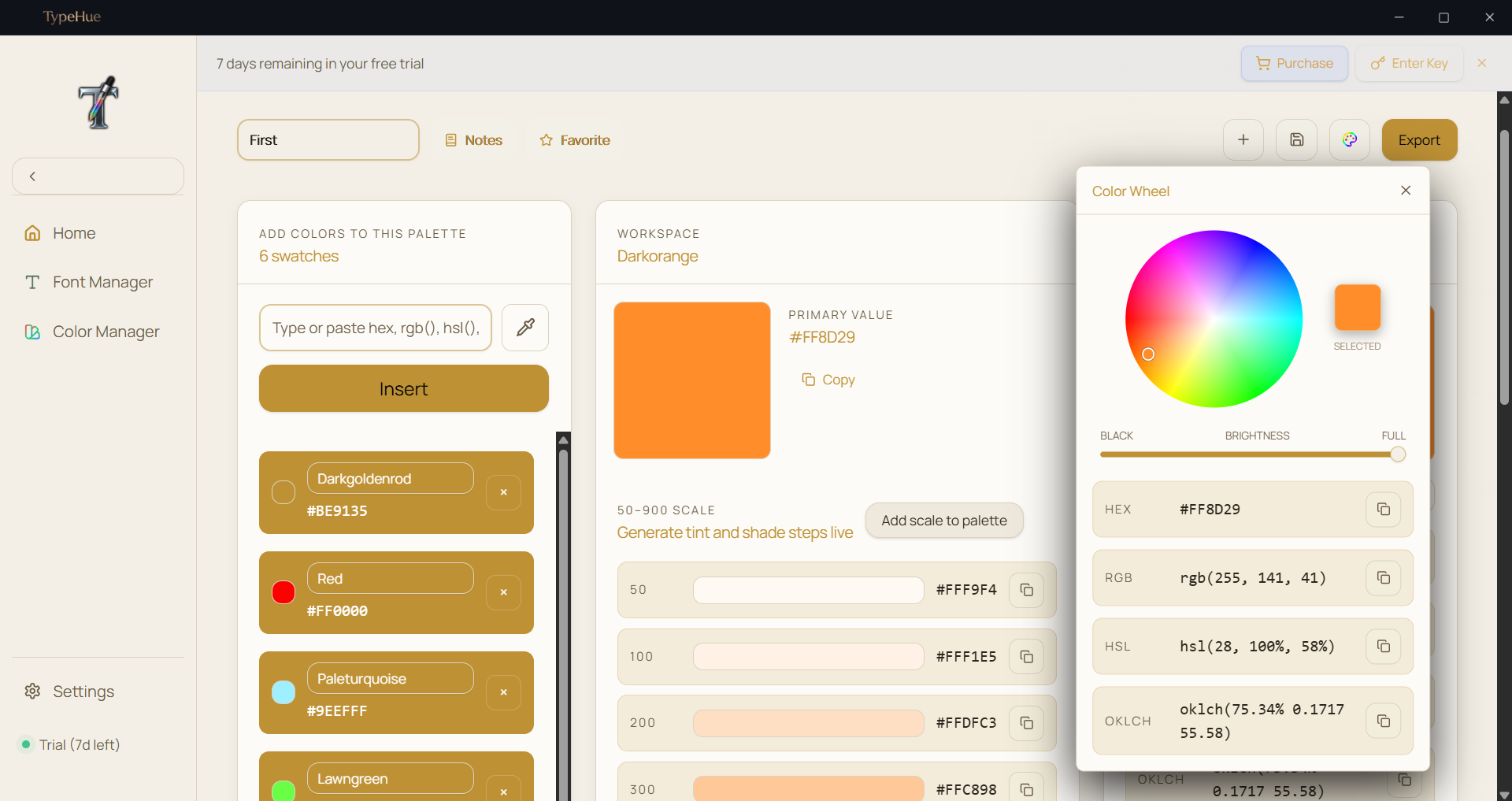
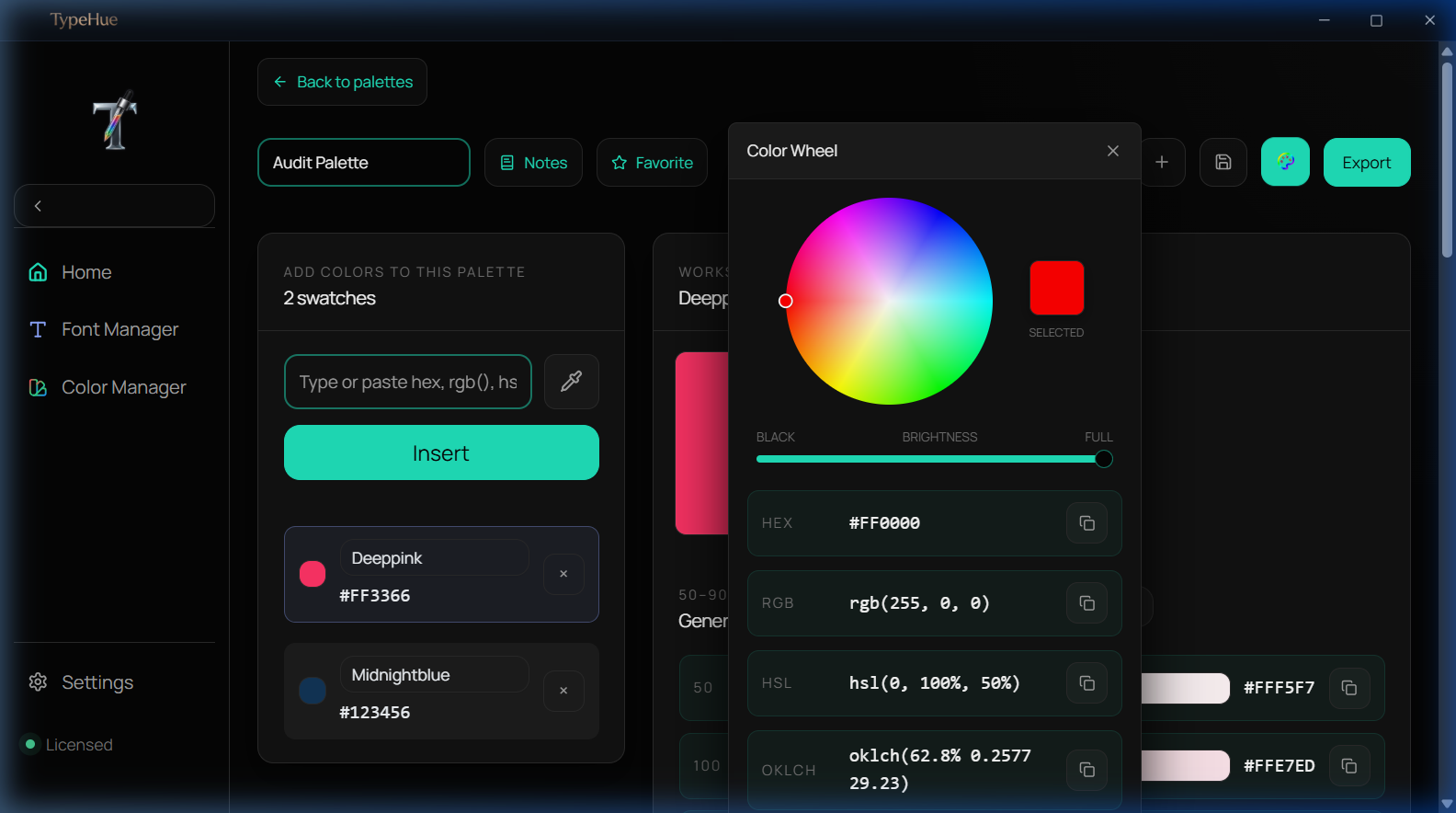
  • Color Wheel to select colors
  • Generate tint and shade steps live
  • Variable & CSS exports
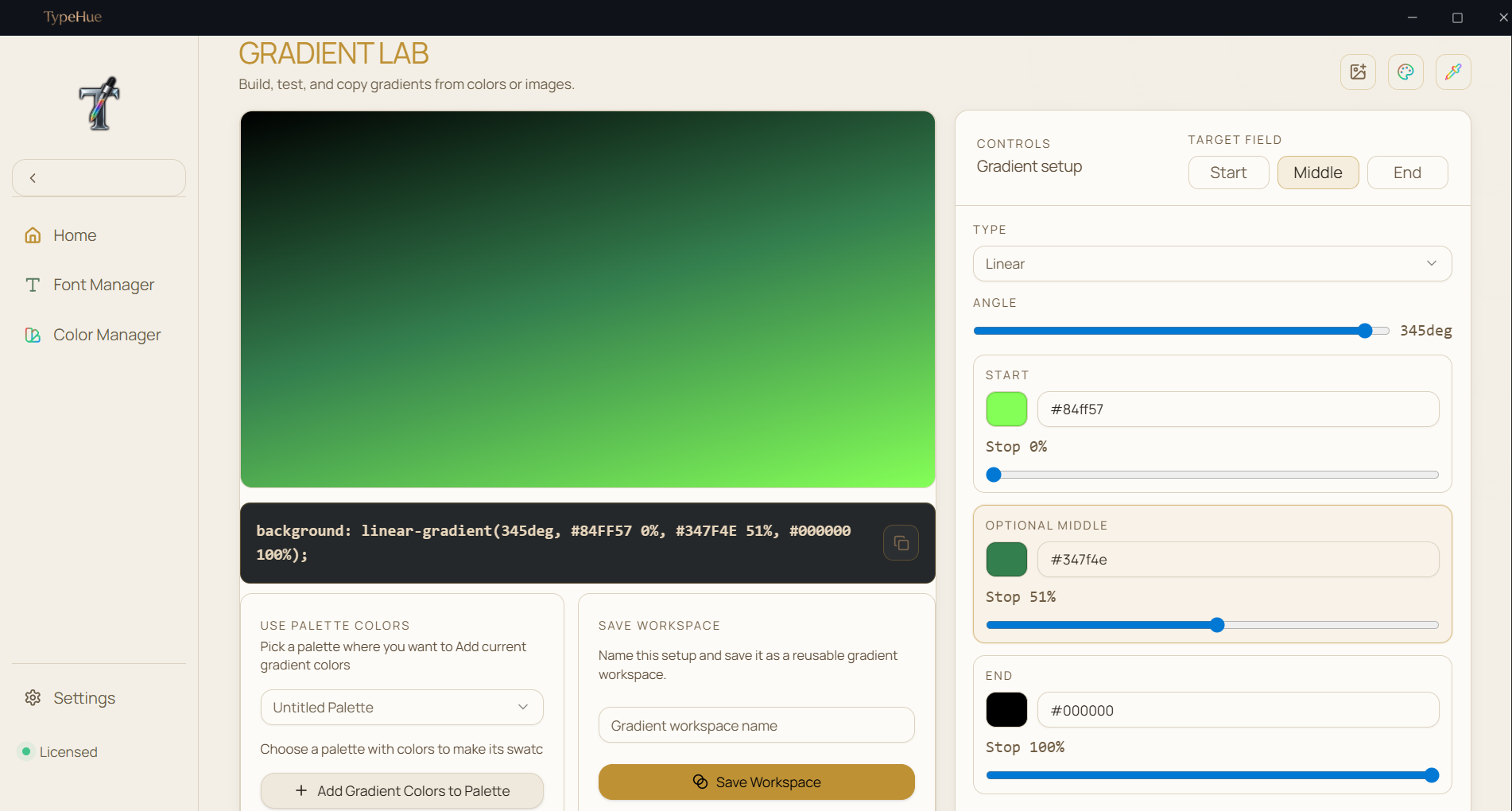
  • Gradient color generation
  • Many more...

Take a closer look.

A premium interface designed for the modern creative.

TypeHue Font Manager — grid view of installed fonts on Windows
View Interface
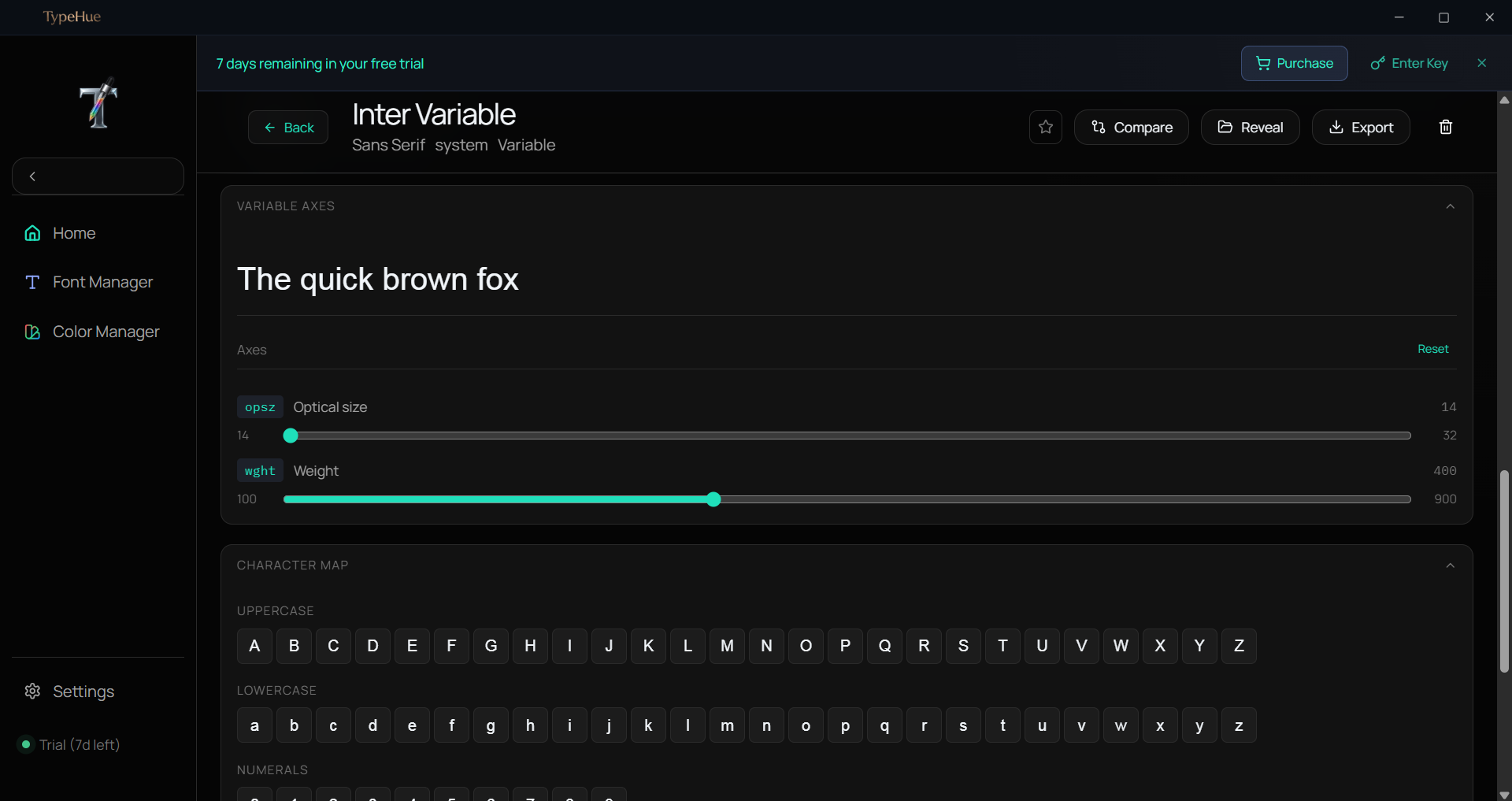
TypeHue Font Manager — detailed font metadata and glyph preview
View Interface
TypeHue Font Manager — side-by-side font comparison mode
View Interface
TypeHue Font Manager — font collection organization and favorites
View Interface
TypeHue Font Manager — list view with font weight previews
View Interface
TypeHue Color Manager — color palette workspace with HEX and RGB values
View Interface
TypeHue Color Manager — WCAG contrast ratio checker for accessibility
View Interface
TypeHue Color Manager — color wheel picker with HSL controls
View Interface
TypeHue Color Manager — palette generation with tint and shade steps
View Interface
TypeHue Color Manager — CSS and Tailwind variable export panel
View Interface
TypeHue Color Manager — snapshot history and color favorites
View Interface
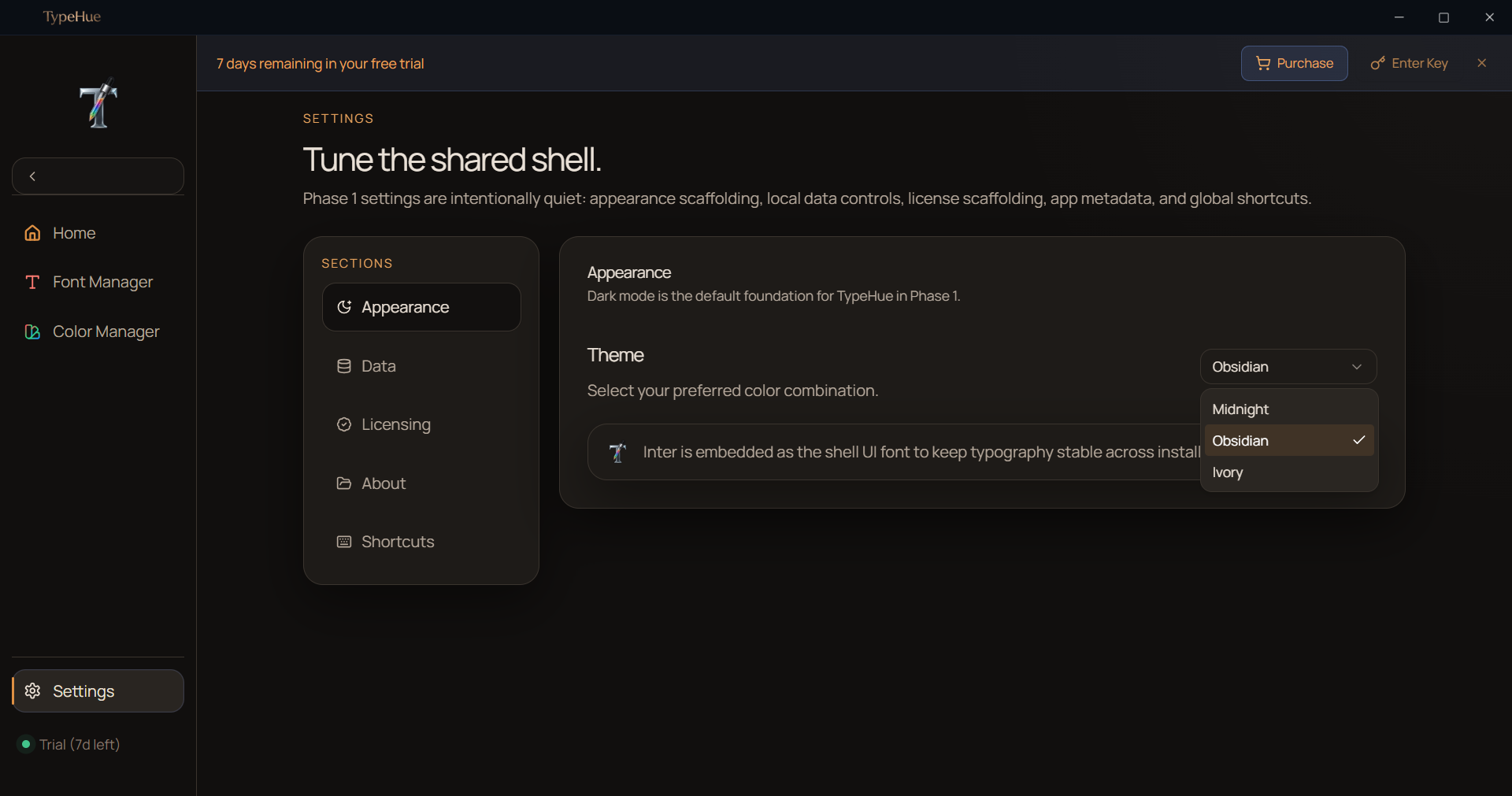
TypeHue Midnight theme — dark mode interface for late-night design work
View Interface
TypeHue Obsidian theme — ultra-dark UI for focused creative workflows
View Interface
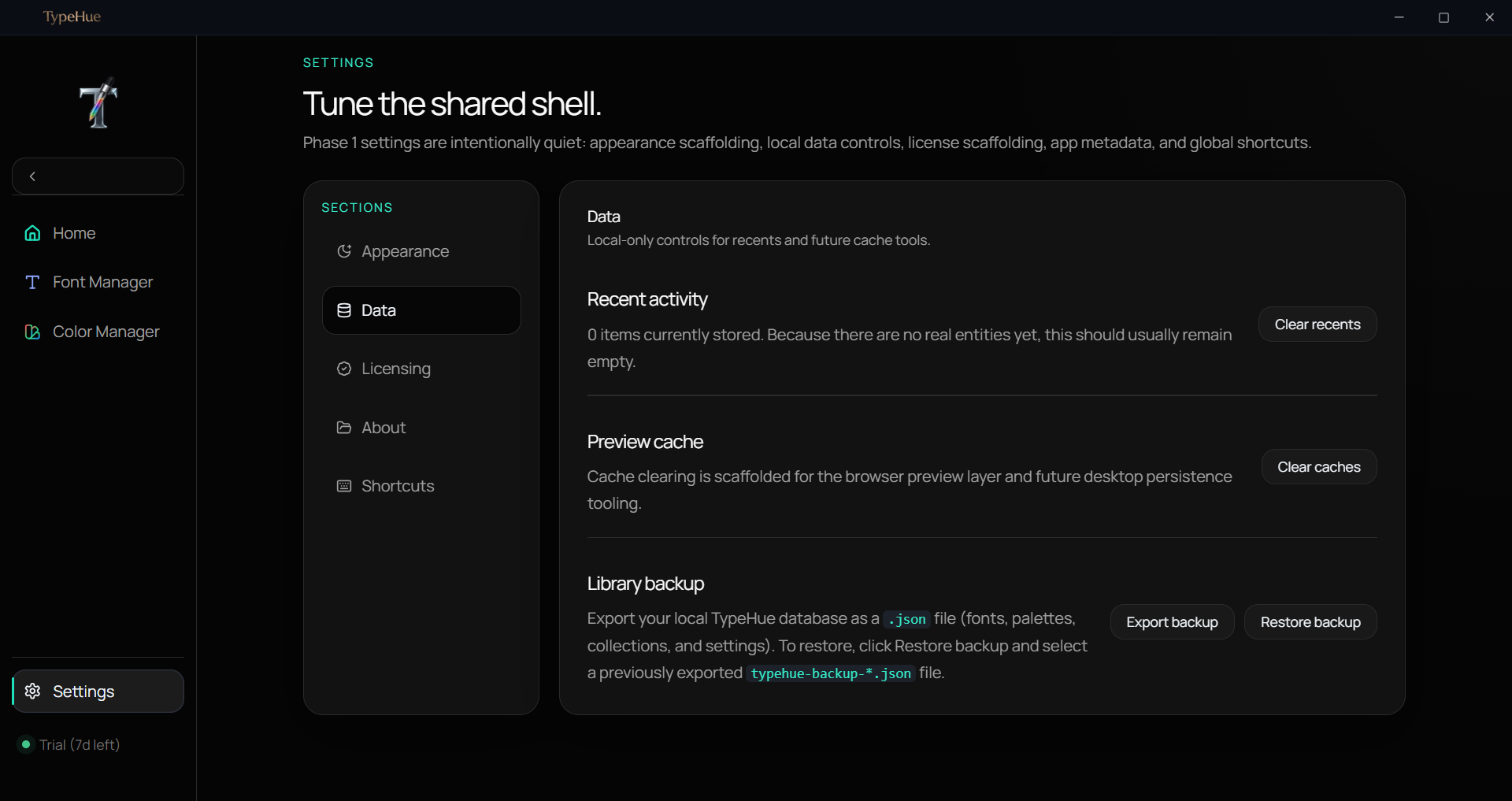
TypeHue data management — font and color library statistics overview
View Interface
TypeHue light mode — clean white interface for daytime productivity
View Interface
TypeHue Color Manager — gradient color generation and visualization
View Interface
TypeHue Font Manager — grid view of installed fonts on Windows
View Interface
TypeHue Font Manager — detailed font metadata and glyph preview
View Interface
TypeHue Font Manager — side-by-side font comparison mode
View Interface
TypeHue Font Manager — font collection organization and favorites
View Interface
TypeHue Font Manager — list view with font weight previews
View Interface
TypeHue Color Manager — color palette workspace with HEX and RGB values
View Interface
TypeHue Color Manager — WCAG contrast ratio checker for accessibility
View Interface
TypeHue Color Manager — color wheel picker with HSL controls
View Interface
TypeHue Color Manager — palette generation with tint and shade steps
View Interface
TypeHue Color Manager — CSS and Tailwind variable export panel
View Interface
TypeHue Color Manager — snapshot history and color favorites
View Interface
TypeHue Midnight theme — dark mode interface for late-night design work
View Interface
TypeHue Obsidian theme — ultra-dark UI for focused creative workflows
View Interface
TypeHue data management — font and color library statistics overview
View Interface
TypeHue light mode — clean white interface for daytime productivity
View Interface
TypeHue Color Manager — gradient color generation and visualization
View Interface
TypeHue Color Manager — gradient color generation and visualization
View Interface
TypeHue light mode — clean white interface for daytime productivity
View Interface
TypeHue data management — font and color library statistics overview
View Interface
TypeHue Obsidian theme — ultra-dark UI for focused creative workflows
View Interface
TypeHue Midnight theme — dark mode interface for late-night design work
View Interface
TypeHue Color Manager — snapshot history and color favorites
View Interface
TypeHue Color Manager — CSS and Tailwind variable export panel
View Interface
TypeHue Color Manager — palette generation with tint and shade steps
View Interface
TypeHue Color Manager — color wheel picker with HSL controls
View Interface
TypeHue Color Manager — WCAG contrast ratio checker for accessibility
View Interface
TypeHue Color Manager — color palette workspace with HEX and RGB values
View Interface
TypeHue Font Manager — list view with font weight previews
View Interface
TypeHue Font Manager — font collection organization and favorites
View Interface
TypeHue Font Manager — side-by-side font comparison mode
View Interface
TypeHue Font Manager — detailed font metadata and glyph preview
View Interface
TypeHue Font Manager — grid view of installed fonts on Windows
View Interface
TypeHue Font Manager — grid view of installed fonts on Windows
View Interface
TypeHue Font Manager — detailed font metadata and glyph preview
View Interface
TypeHue Font Manager — side-by-side font comparison mode
View Interface
TypeHue Font Manager — font collection organization and favorites
View Interface
TypeHue Font Manager — list view with font weight previews
View Interface
TypeHue Color Manager — color palette workspace with HEX and RGB values
View Interface
TypeHue Color Manager — WCAG contrast ratio checker for accessibility
View Interface
TypeHue Color Manager — color wheel picker with HSL controls
View Interface
TypeHue Color Manager — palette generation with tint and shade steps
View Interface
TypeHue Color Manager — CSS and Tailwind variable export panel
View Interface
TypeHue Color Manager — snapshot history and color favorites
View Interface
TypeHue Midnight theme — dark mode interface for late-night design work
View Interface
TypeHue Obsidian theme — ultra-dark UI for focused creative workflows
View Interface
TypeHue data management — font and color library statistics overview
View Interface
TypeHue light mode — clean white interface for daytime productivity
View Interface
TypeHue Color Manager — gradient color generation and visualization
View Interface
100%

Local Storage

Your fonts and palettes never touch a server.

0ms

Cold Start

TypeHue opens instantly. No loading screen.

One-time

Honest Pricing

Pay $29 once. Use it forever.

Simple Pricing

One purchase.
Yours forever.

No subscriptions. No monthly fees. Pay once, use TypeHue on your device permanently.

$29USD · One-time
  • 7-day full-feature trial included
  • Font Manager — full local library control
  • Color Manager — palettes, exports, WCAG
  • Offline-first, no cloud dependency
  • Lifetime updates included
Download Free Trial

Requires Windows 10 (64-bit) or Windows 11

Windows may show a first-run publisher warning before opening the app. TypeHue is safe to continue if downloaded from this official site.

Important: One License per One Device

License keys bind to the first device they are activated on. Ensure you activate only on your primary machine. If the tab closes early, use Recover license.

Frequently Asked