Get TypeHue
Download TypeHue for Windows or macOS. It is the same offline font manager and color palette tool: local font libraries, palettes, WCAG contrast checks, gradients, snapshots, and design variable exports without a cloud account.
Free 7-day full-feature trial, then $29 one-time. No subscription.
Download for Windows
Best for Windows 10 and Windows 11 users who want the latest direct installer from the official TypeHue site.
TypeHue_1.0.1_x64-setup.exe
Windows may show a first-run SmartScreen or unknown publisher notice for the direct installer. If you prefer the Store path, use the Microsoft Store option below.
Download for Mac
The first TypeHue Mac release is available as a universal DMG for macOS users who want a local font manager and color palette tool.
TypeHue_1.0.0_universal.dmg
This Mac build is not Apple-notarized or Apple code-signed yet. macOS may block the first open; use System Settings, Privacy & Security, then Open Anyway, or Control-click the app and choose Open when macOS offers that option.
Prefer the Store on Windows? Get TypeHue from Microsoft Store with the same trial and licensing flow.
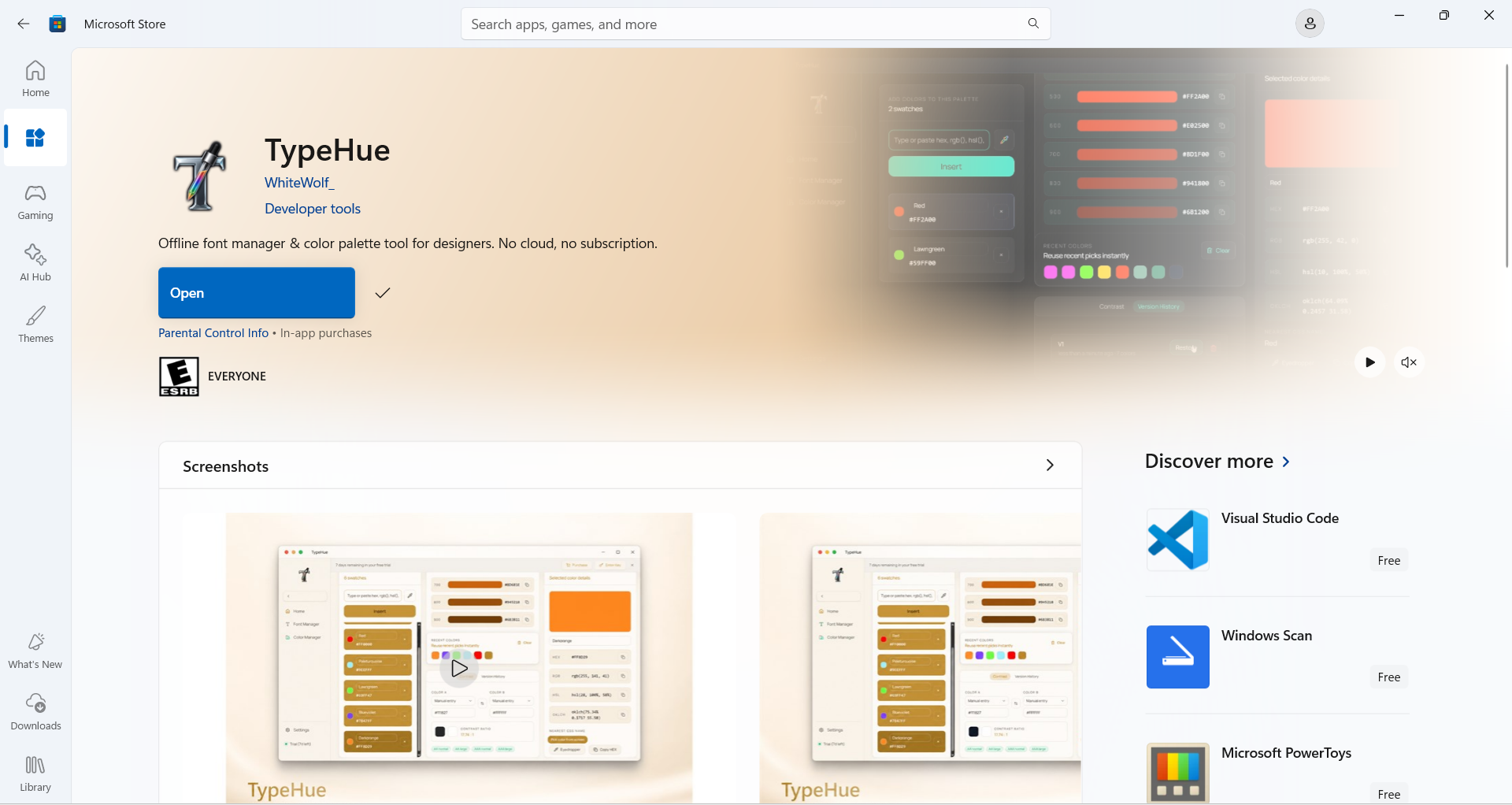
Simple Installation
Windows direct installer
Download the TypeHue 1.0.1 x64 installer, run the .exe, and start the full-feature trial immediately.
Mac DMG install
Download the universal Mac DMG, drag TypeHue into Applications, then open it from Applications.
Trial and license
Your 7-day trial starts on install. A paid key unlocks TypeHue on the first device where it is activated.
Ready to unlock later?
You can pay before or after installing. Your key appears on the success page and can be recovered any time.
Important: One License per One Device
License keys bind to the first device they are activated on. Ensure you activate only on your primary machine.
An active internet connection is required for the first-time activation. If the tab closes early, use Recover license.