
TypeHue — Font Manager and Color Palette Tool for Windows
Windows Native · Offline First · Microsoft Store

Fonts and color,
finally under control.

TypeHue is a font manager and color palette tool for Windows. Browse local fonts, build palettes, check WCAG contrast, and export design variables — all offline. Free 7-day trial, then $29 once. No subscription.

Requires Windows 10 (64-bit) or Windows 11 · Also on Microsoft Store
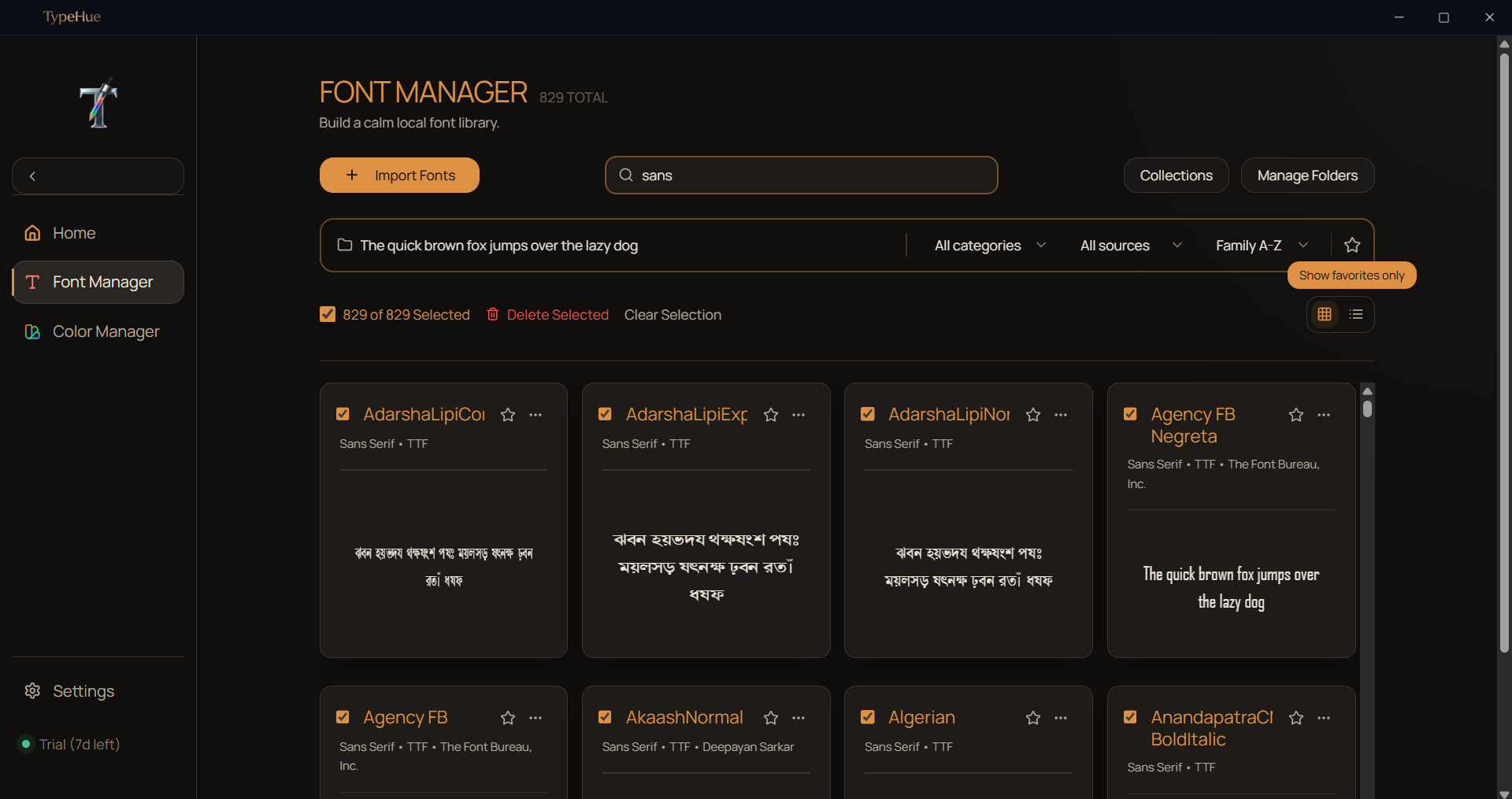
TypeHue desktop app interface showing font library browser with dark mode theme
Now on Microsoft Store

Available on Microsoft Store

TypeHue is Microsoft Store verified — the same font manager and color palette tool, with a trusted install path and no SmartScreen warnings.

  • Verified publisher on Microsoft Store
  • Trusted install path — no SmartScreen warnings
  • Same 7-day full-feature trial, no account required
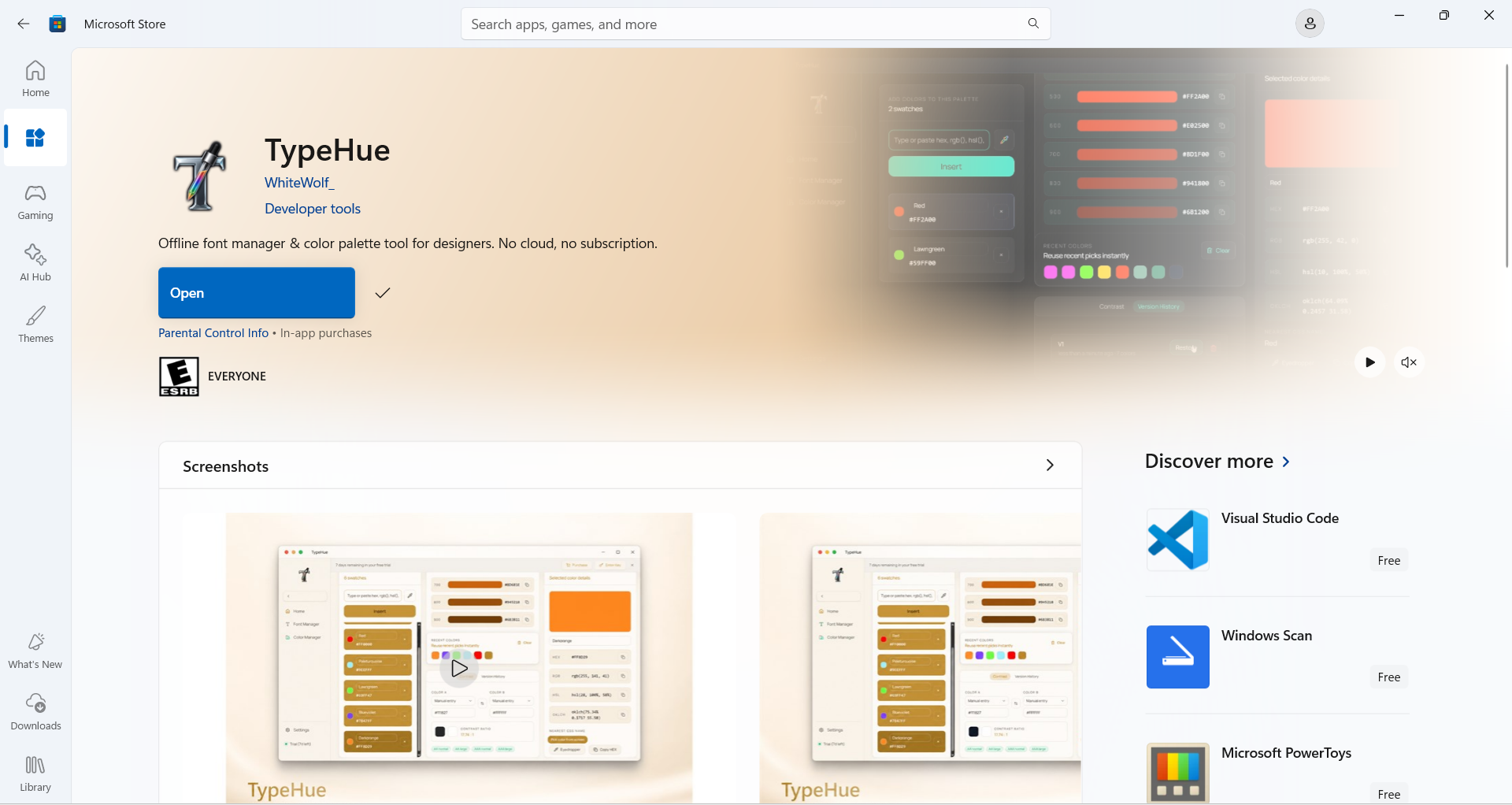
Get TypeHue on Microsoft Store →

TypeHue listing on the Microsoft Store
How it works

Font manager, color manager, export — one workflow

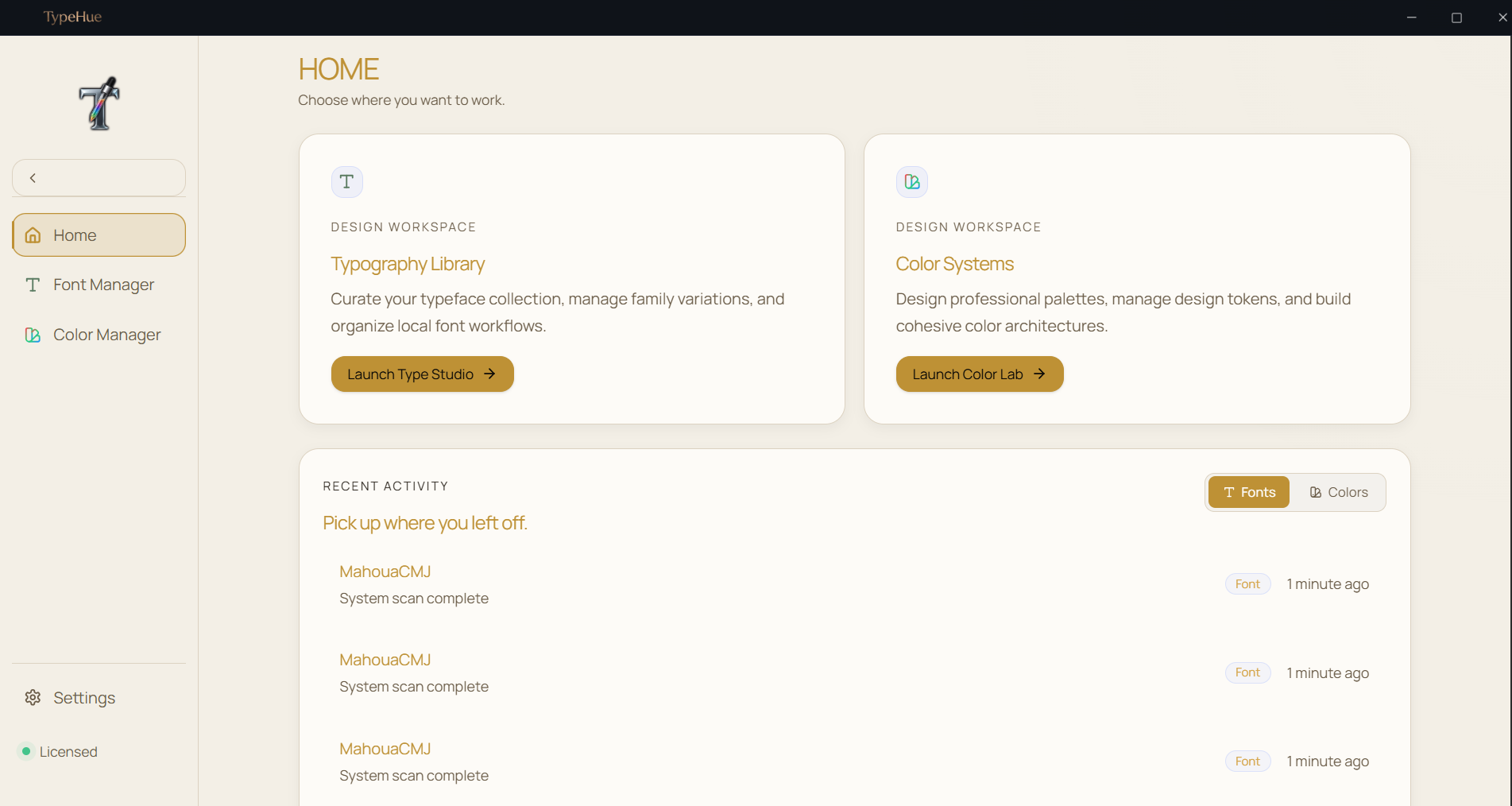
Whether you need a font manager, a color palette tool, or both — TypeHue keeps typography, palettes, and WCAG checks in one offline app.

01

Manage fonts

Scan folders, browse system fonts, compare side-by-side, and organize collections offline.

02

Build color palettes

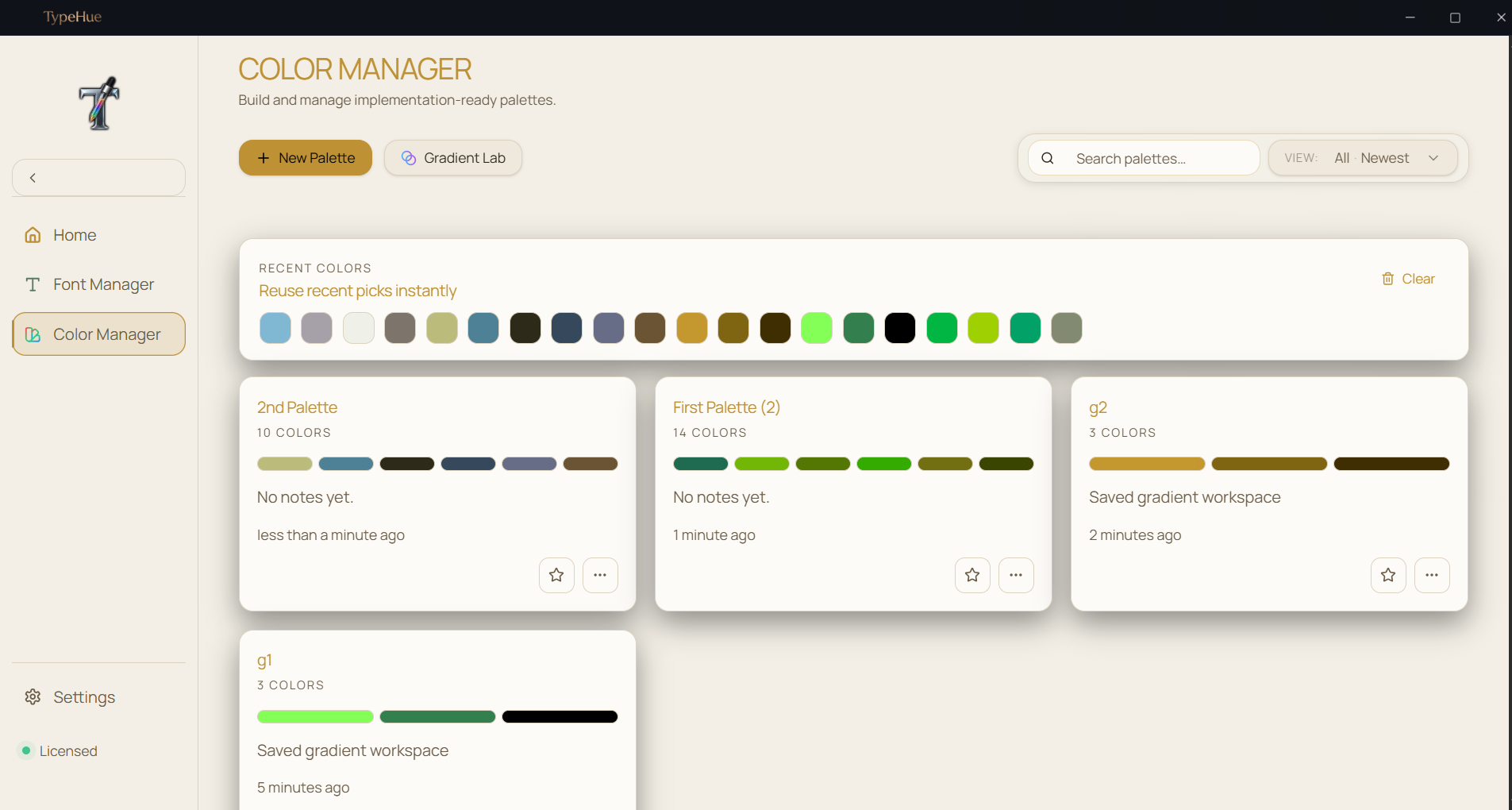
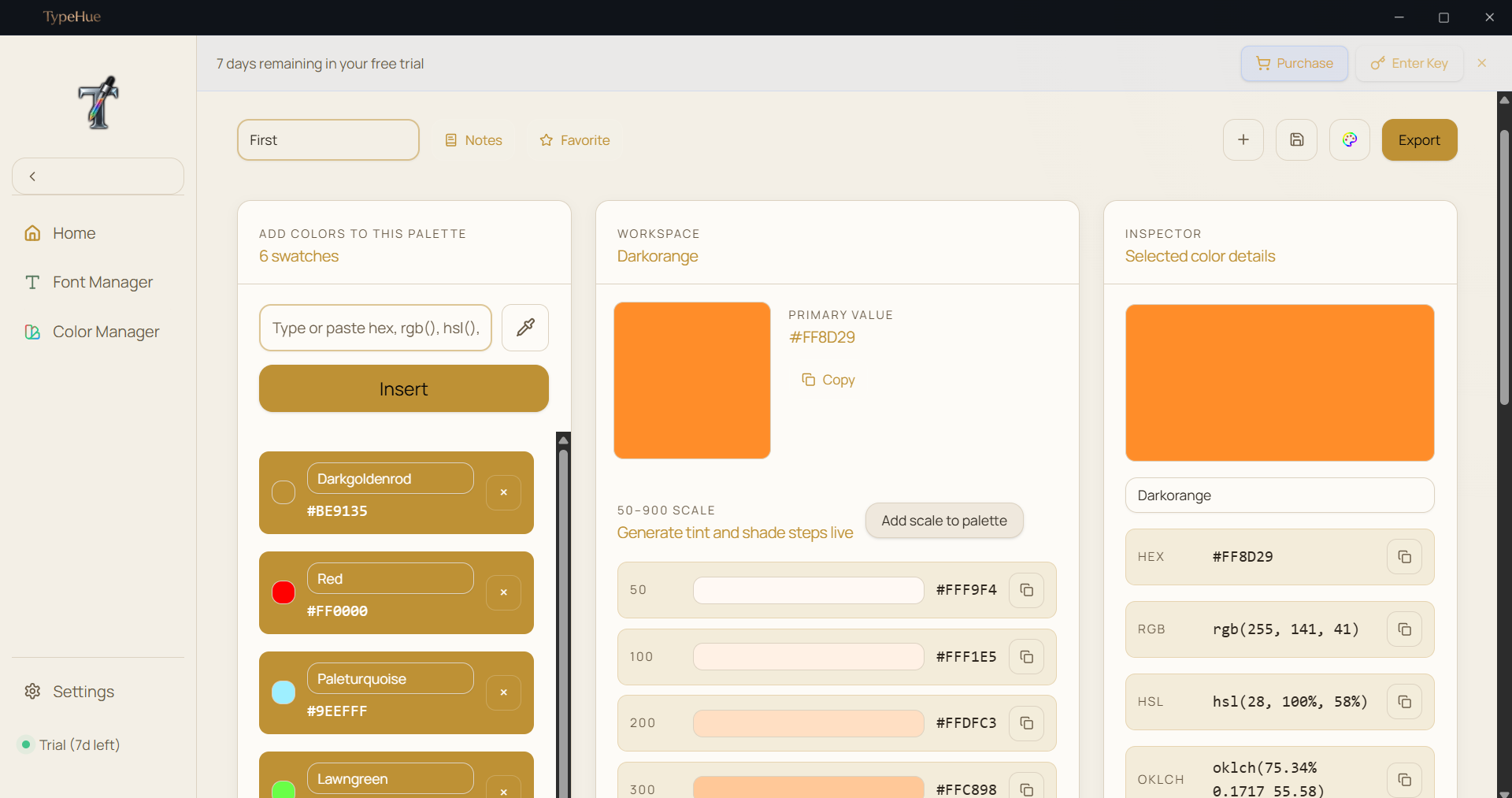
Generate palettes, create tint and shade steps, and keep color history in one local workspace.

03

Check WCAG contrast

Validate accessibility ratios in real time before colors reach production.

04

Export design variables

Ship CSS, Tailwind, SCSS, and JSON variables ready for your next project.

See TypeHue in action

Watch the font manager and color manager in action.

Color Manager
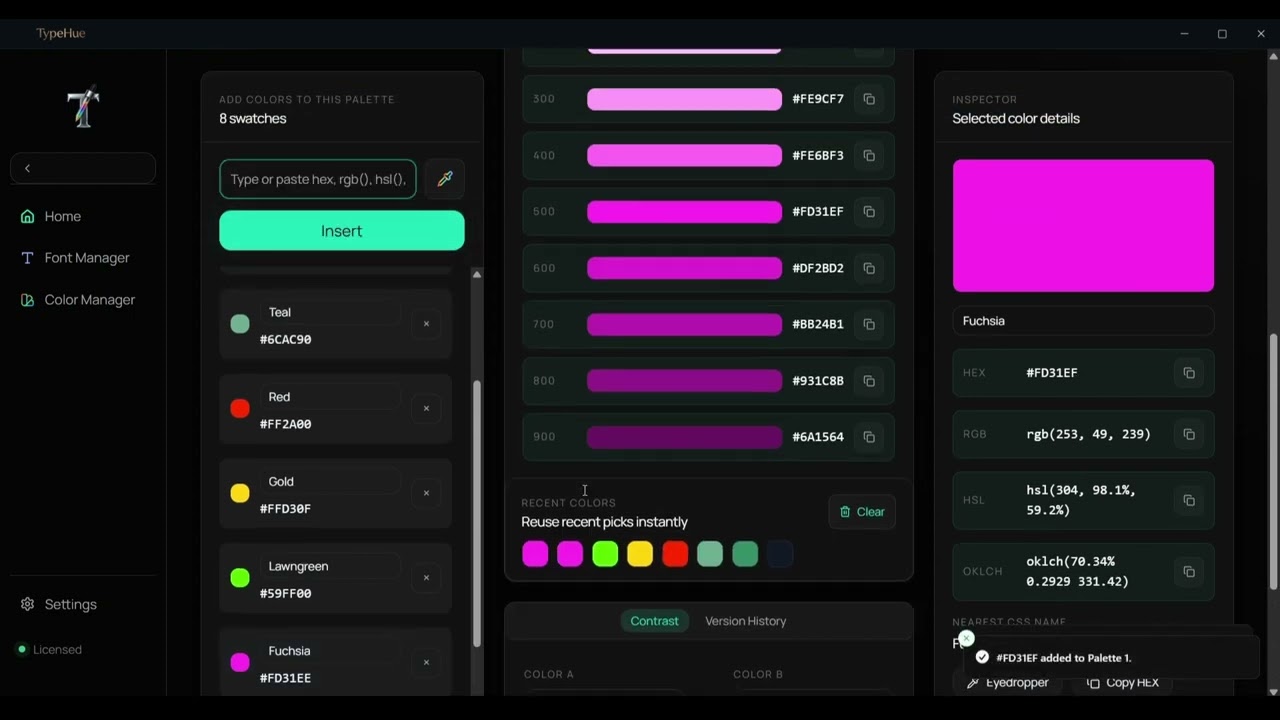
TypeHue: Color Manager
TypeHue: Color ManagerPlay Demo

Font Manager

TypeHue: Font Manager
TypeHue: Font ManagerPlay Demo

Professional Standards

FontsOTFTTFWOFFWOFF2TTCOTC
ColorsHEXRGBHSLOKLCH

The library browser
you actually want.

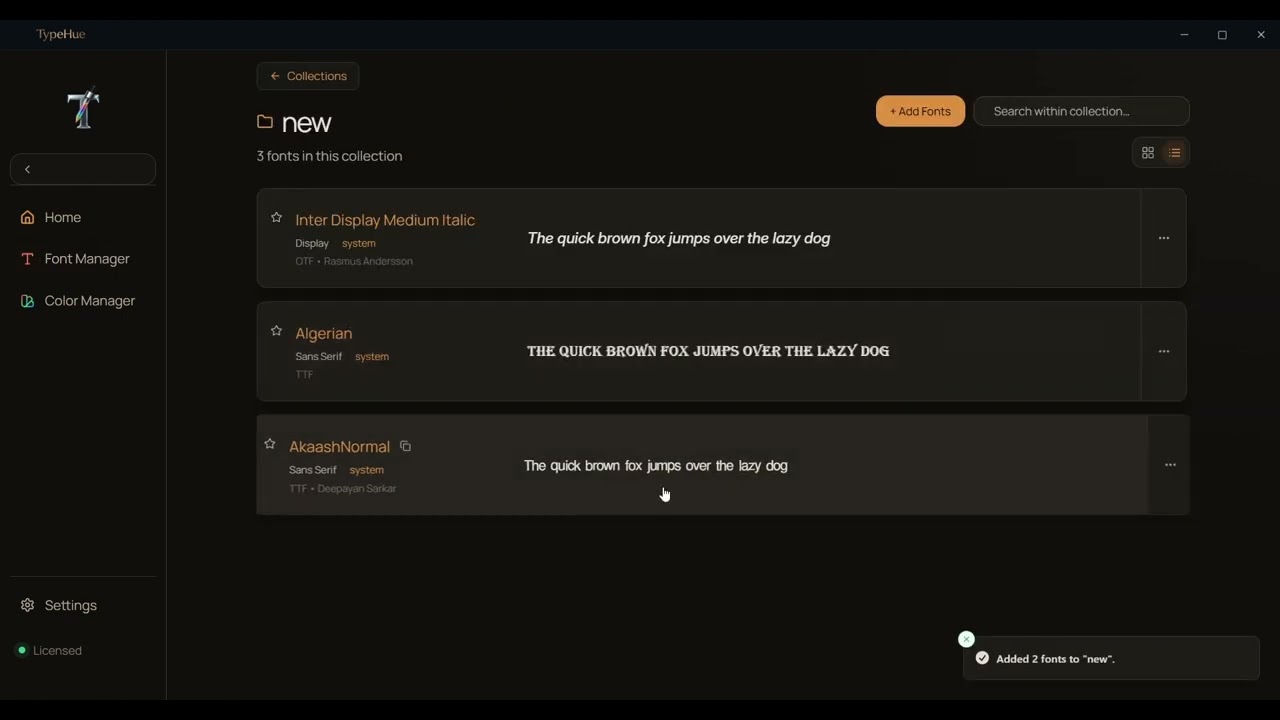
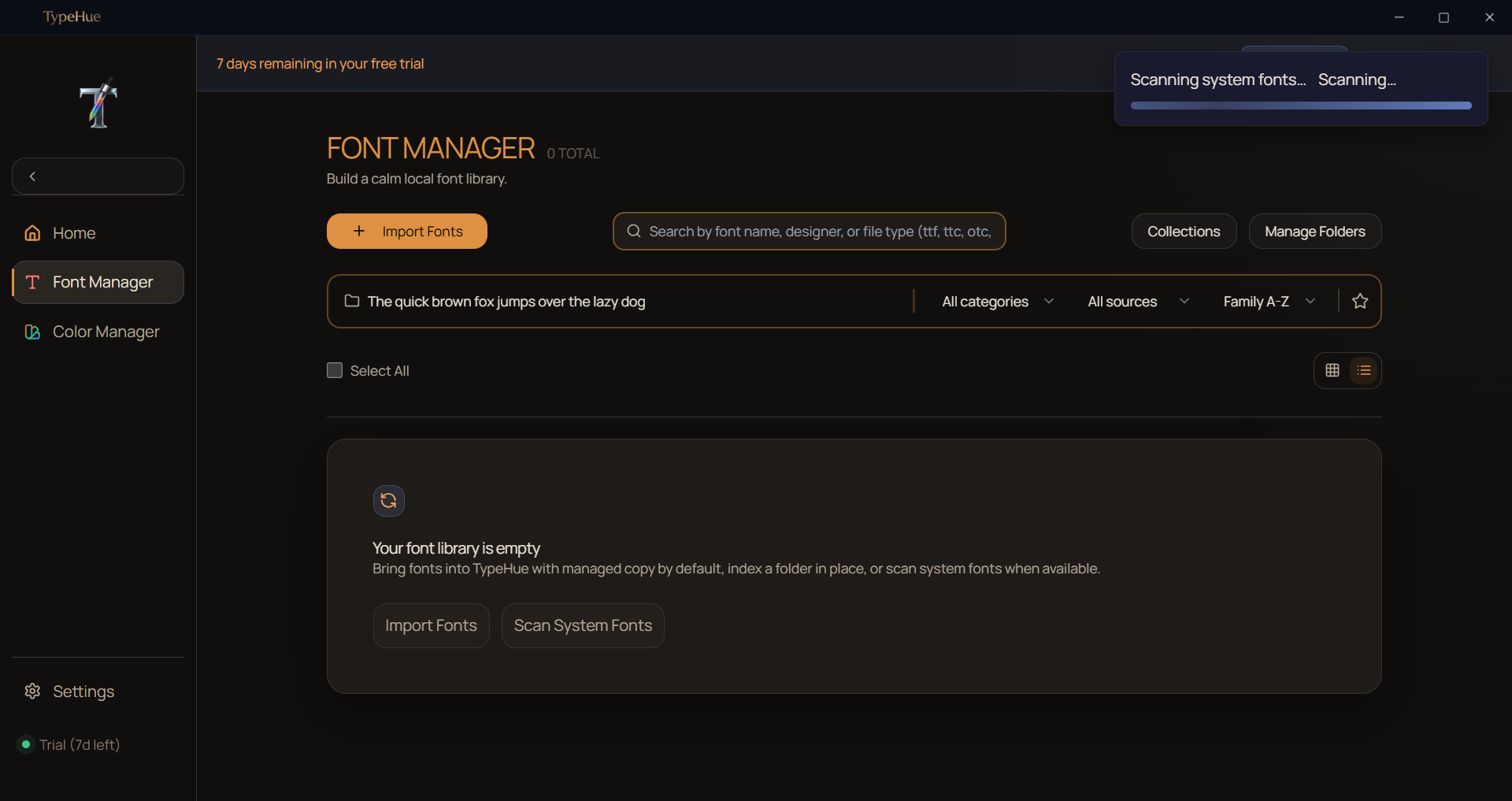
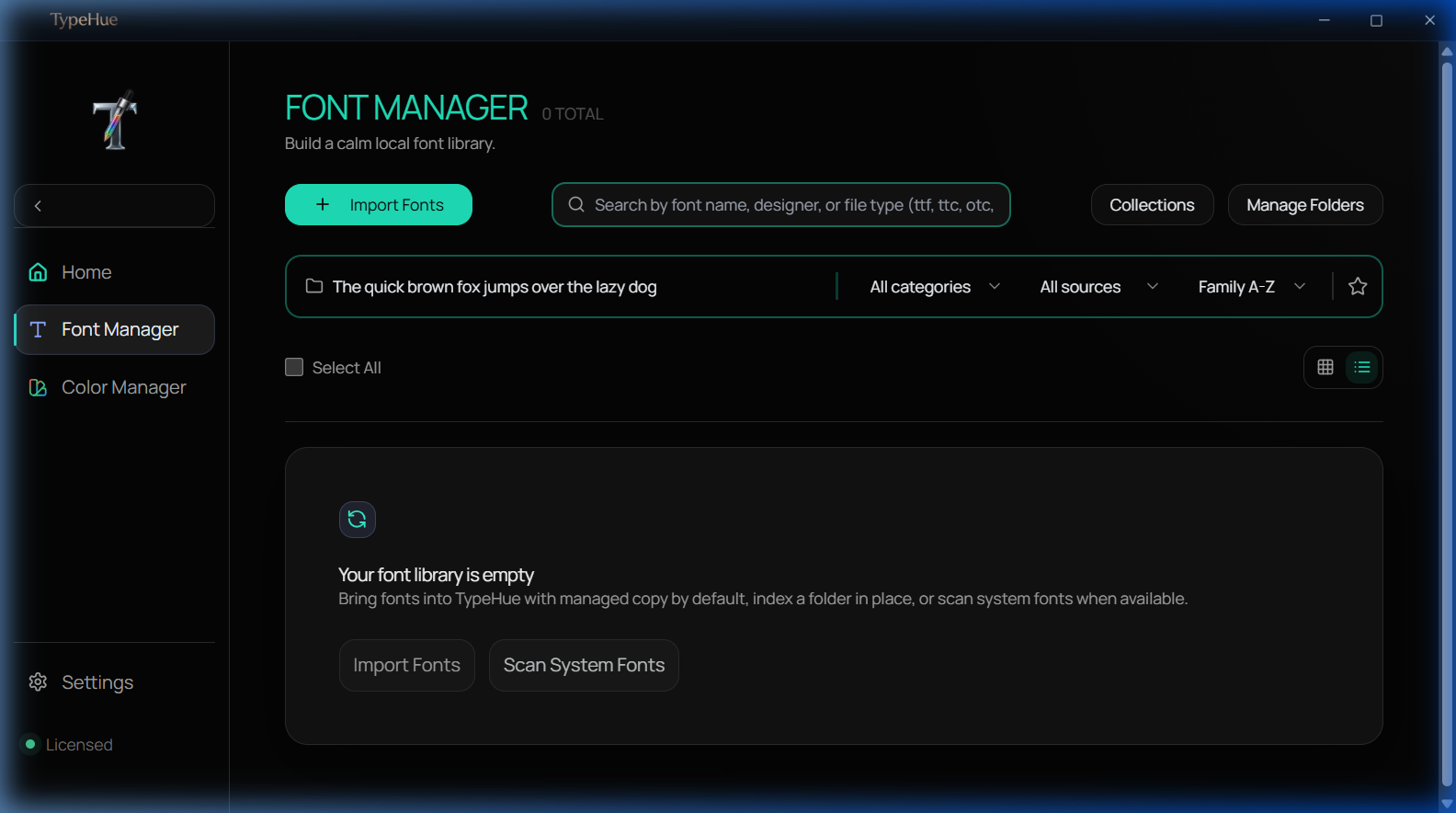
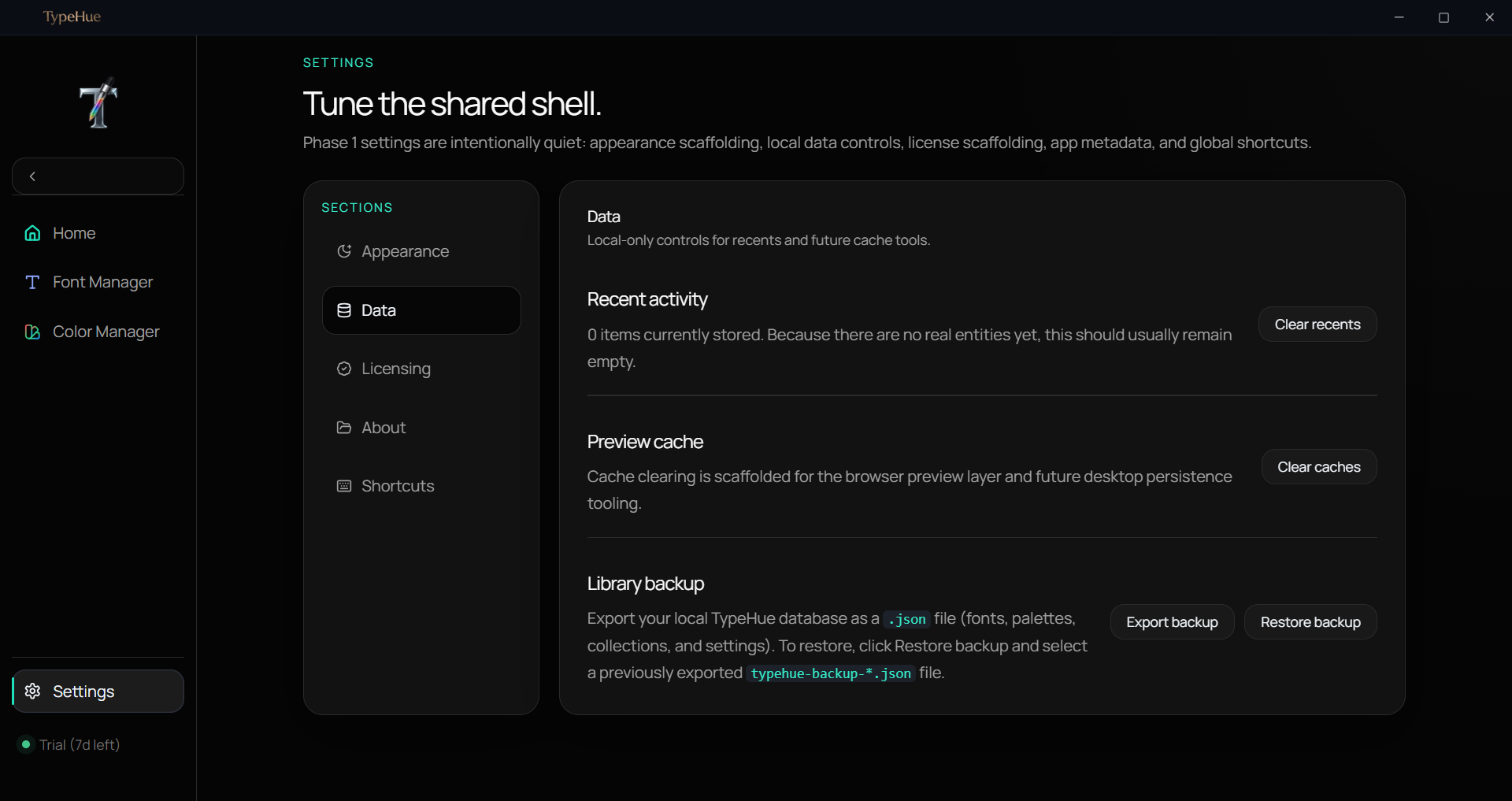
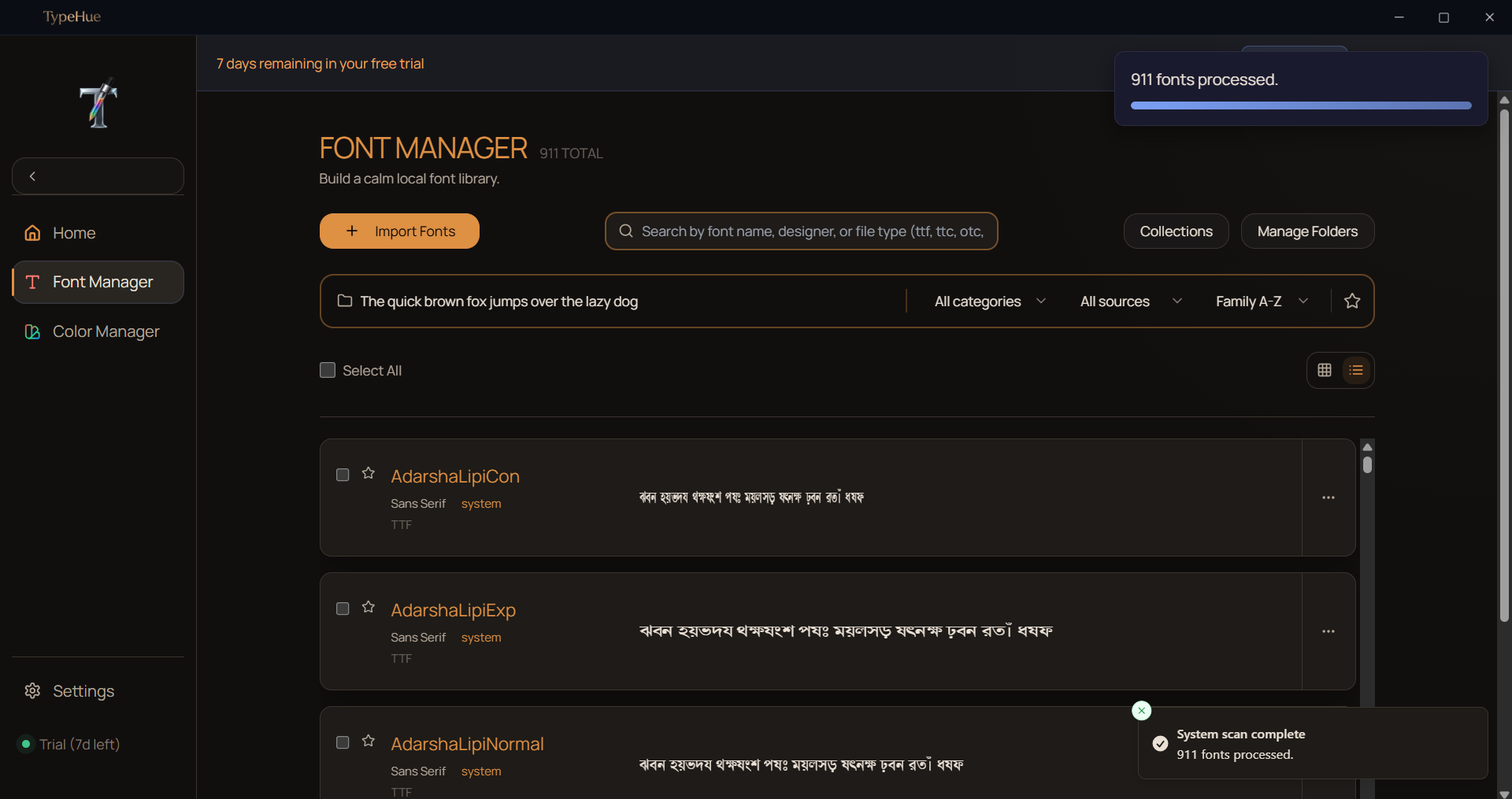
TypeHue scans your local folders instantly. Browse system fonts, compare side-by-side, and organize your collection — then move straight into palettes, WCAG checks, and design variable export without leaving the workspace.

  • Scan folders or individual files
  • System fonts import
  • Side-by-side comparison mode
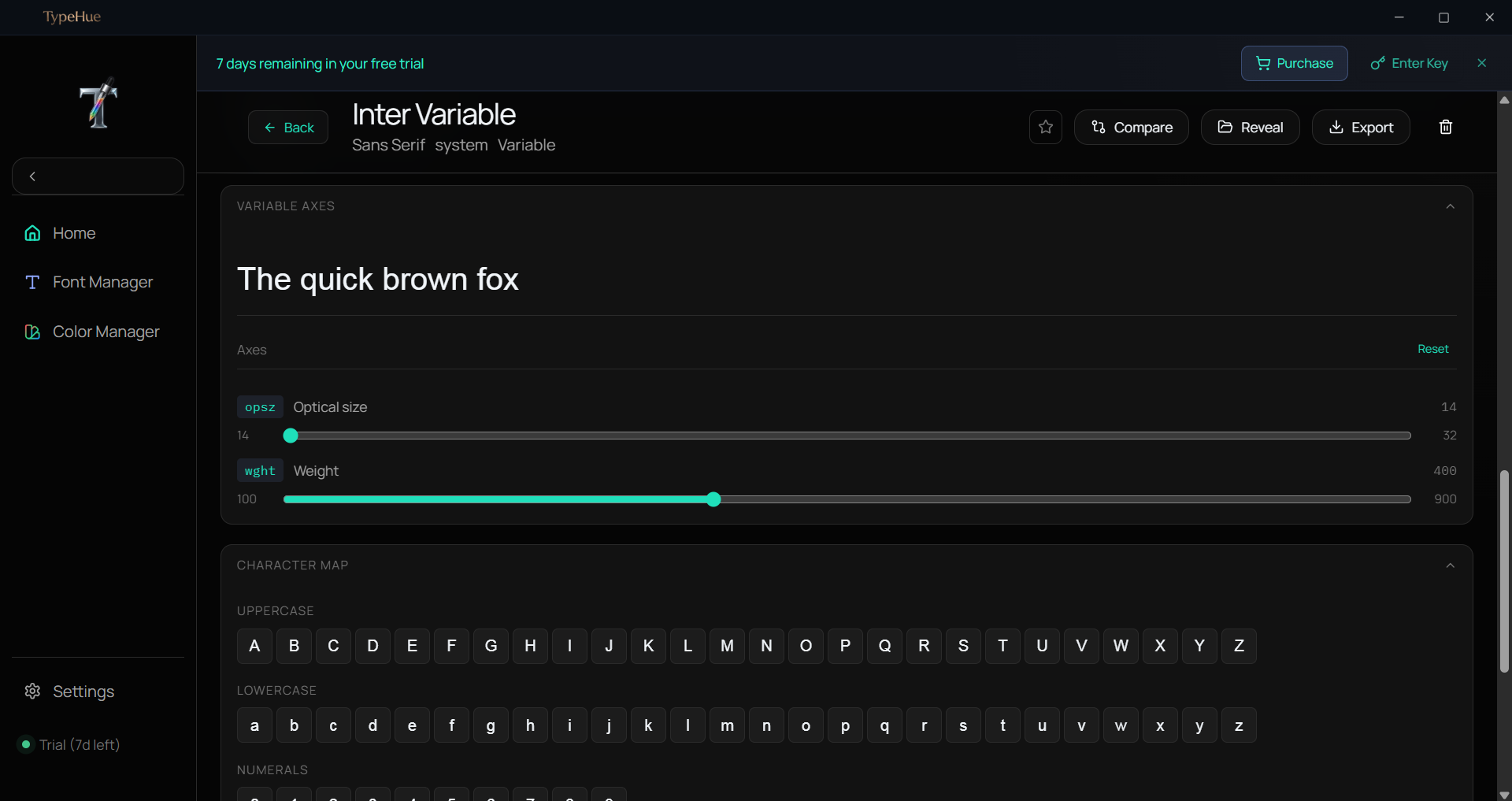
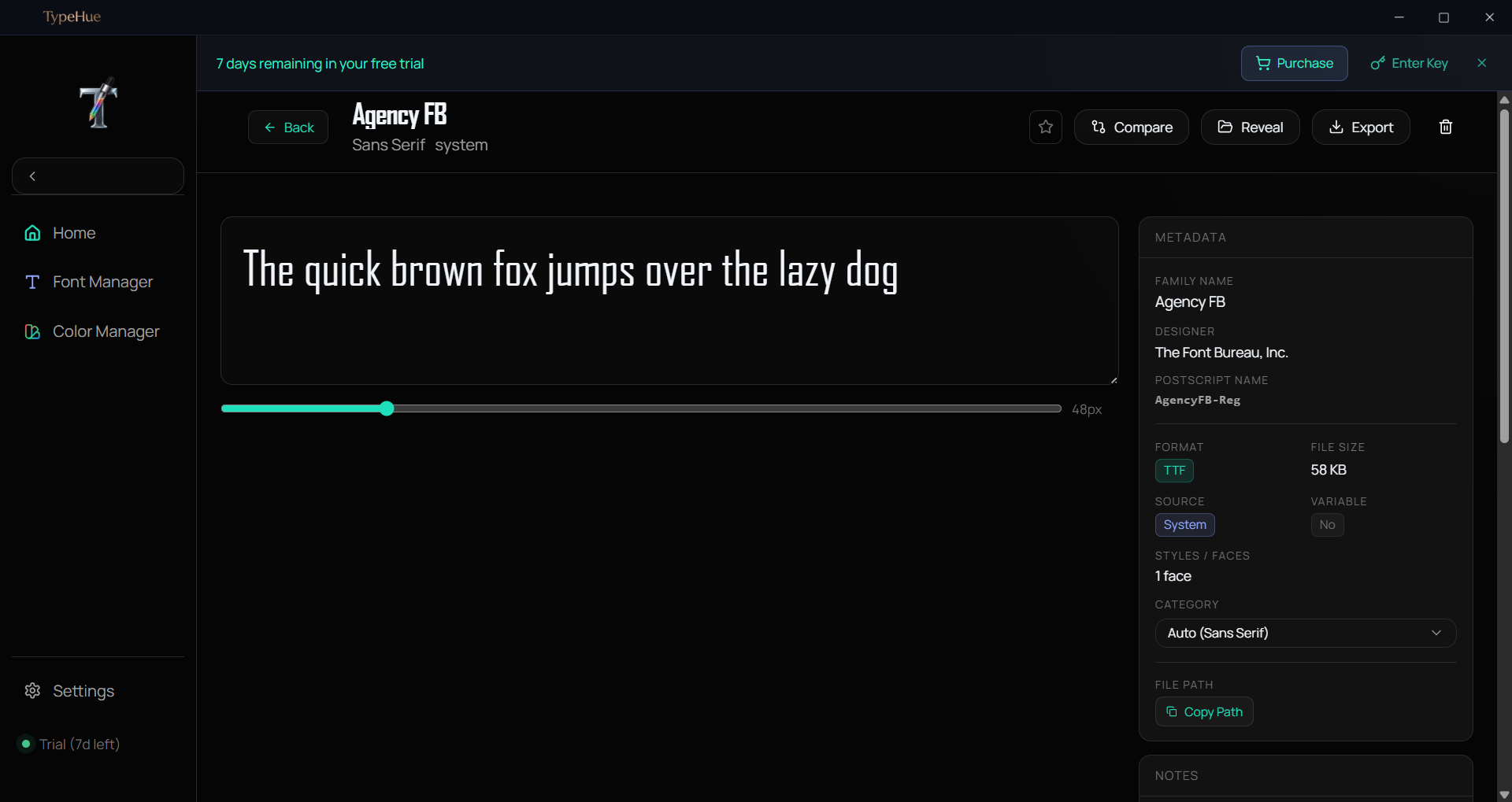
  • Deep metadata extraction
  • Organize favourite fonts in Collections
  • Quiet, focused interface with great aesthetics
  • Many more...
TypeHue Font Manager — browse and organize local font library with side-by-side comparison
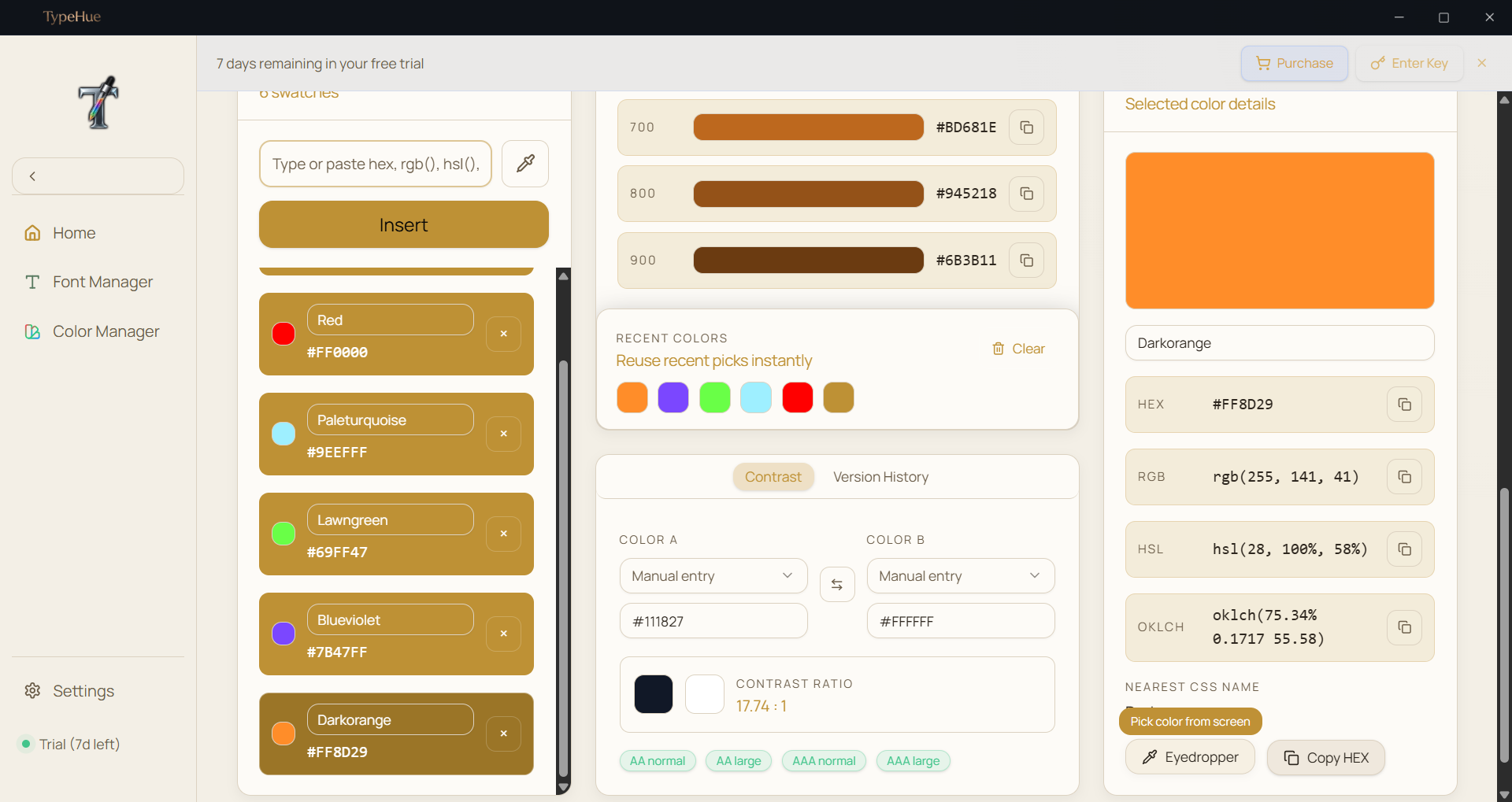
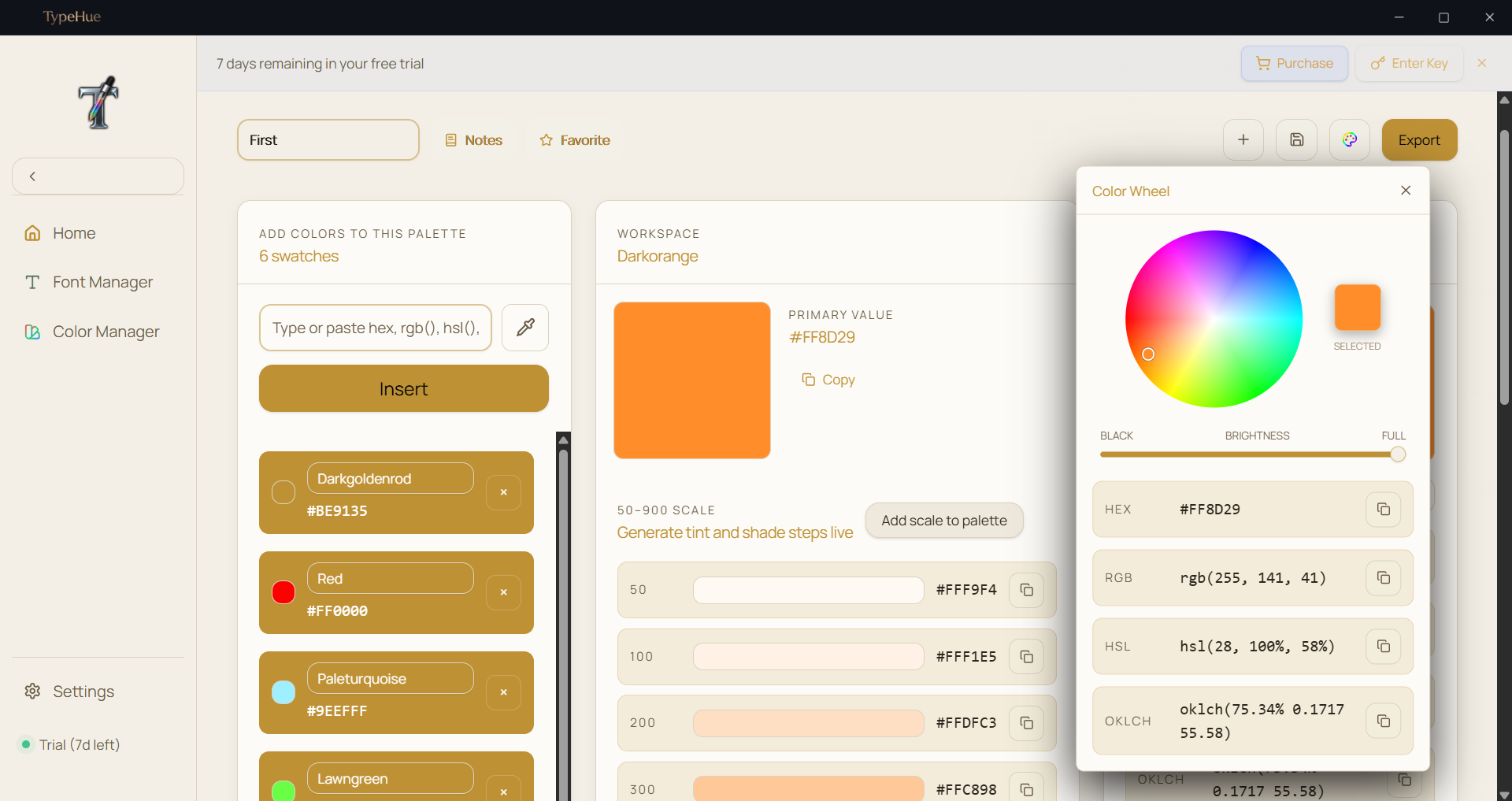
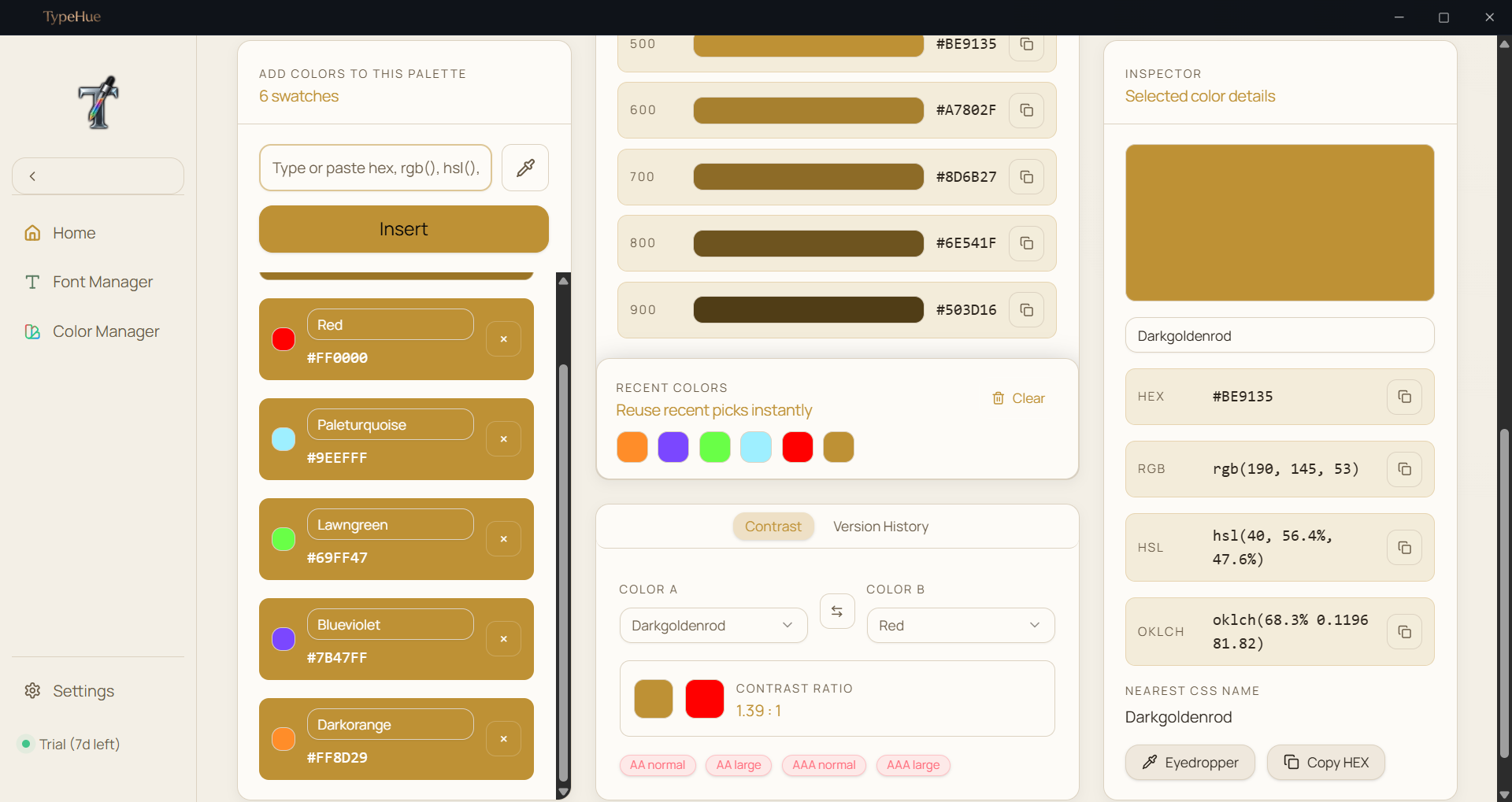
TypeHue Color Manager — dynamic color palette generator with WCAG contrast checking

Color workflows,
masterfully handled.

Generate palettes, check WCAG contrast, and export design variables without a browser tab in sight. Professional-grade color tools built into one offline Windows workspace.

  • Dynamic palette generation
  • WCAG contrast ratio checking
  • Snapshot history logs
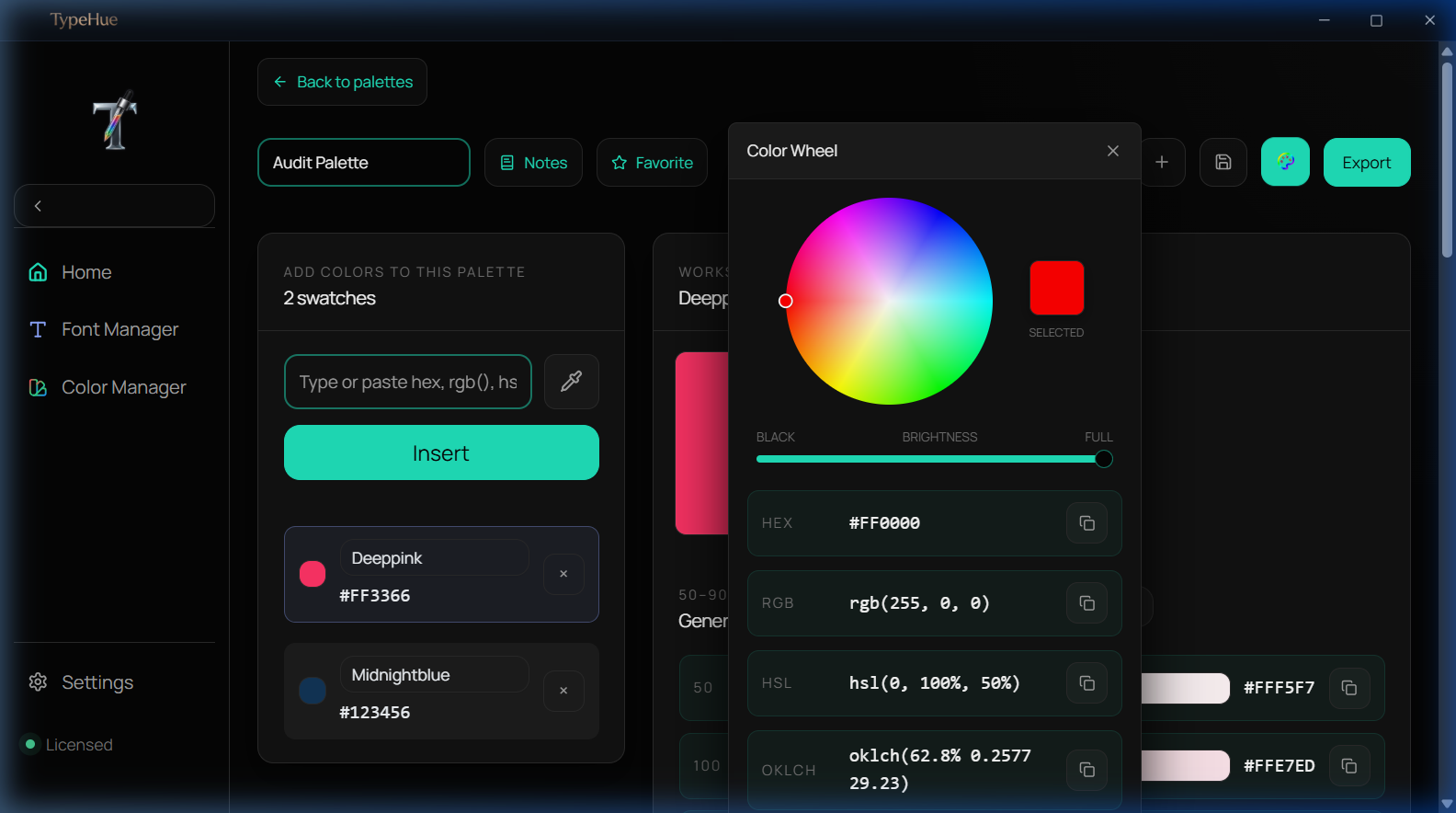
  • Color Wheel to select colors
  • Generate tint and shade steps live
  • Variable & CSS exports
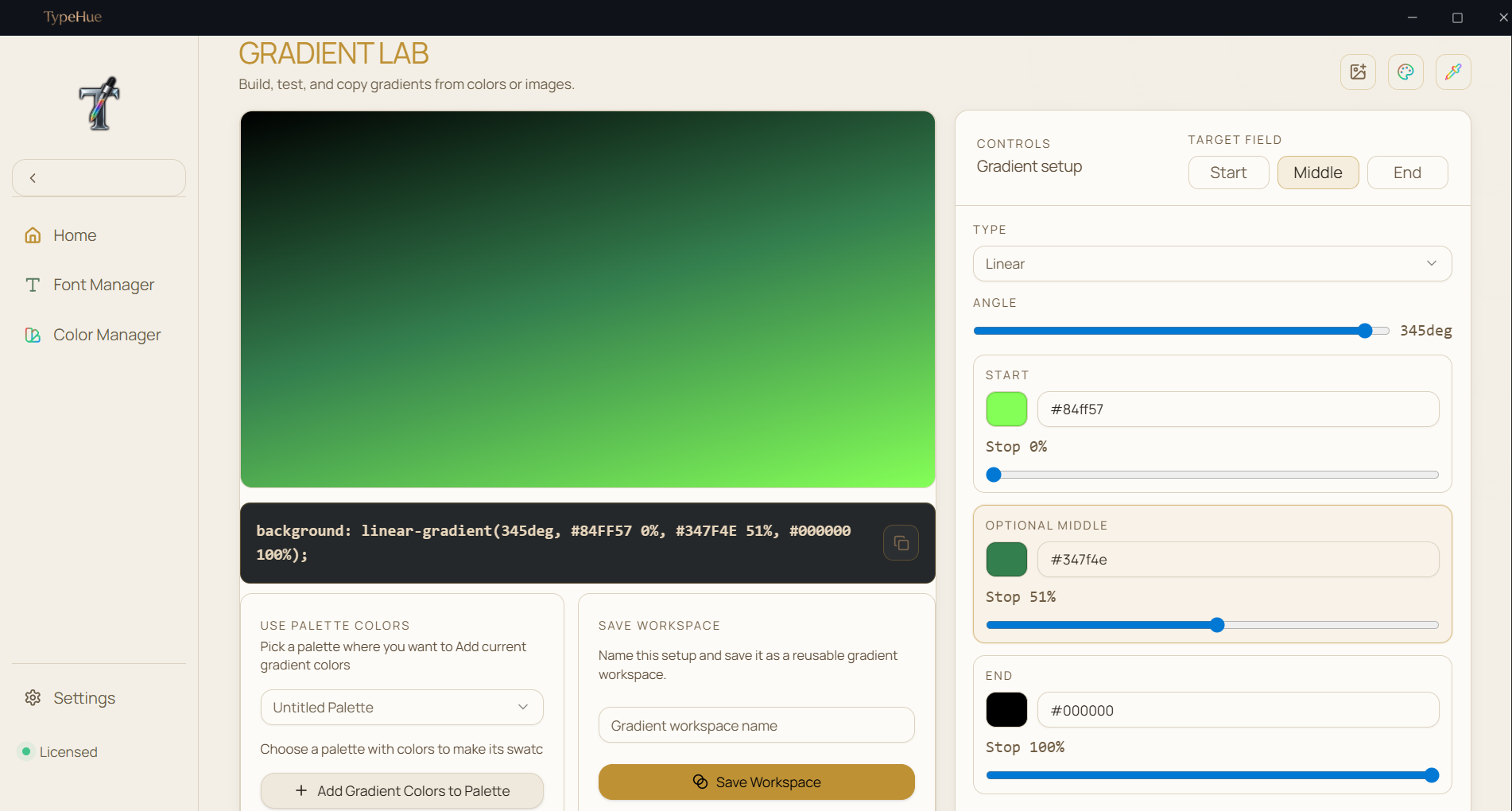
  • Gradient color generation
  • Many more...

Take a closer look.

A premium interface designed for the modern creative — with fonts, palettes, WCAG contrast, and design variables in one offline workspace.
TypeHue Font Manager — grid view of installed fonts on Windows
View Interface
TypeHue Font Manager — detailed font metadata and glyph preview
View Interface
TypeHue Font Manager — side-by-side font comparison mode
View Interface
TypeHue Font Manager — font collection organization and favorites
View Interface
TypeHue Font Manager — list view with font weight previews
View Interface
TypeHue Color Manager — color palette workspace with HEX and RGB values
View Interface
TypeHue Color Manager — WCAG contrast ratio checker for accessibility
View Interface
TypeHue Color Manager — color wheel picker with HSL controls
View Interface
TypeHue Color Manager — palette generation with tint and shade steps
View Interface
TypeHue Color Manager — CSS and Tailwind variable export panel
View Interface
TypeHue Color Manager — snapshot history and color favorites
View Interface
TypeHue Midnight theme — dark mode interface for late-night design work
View Interface
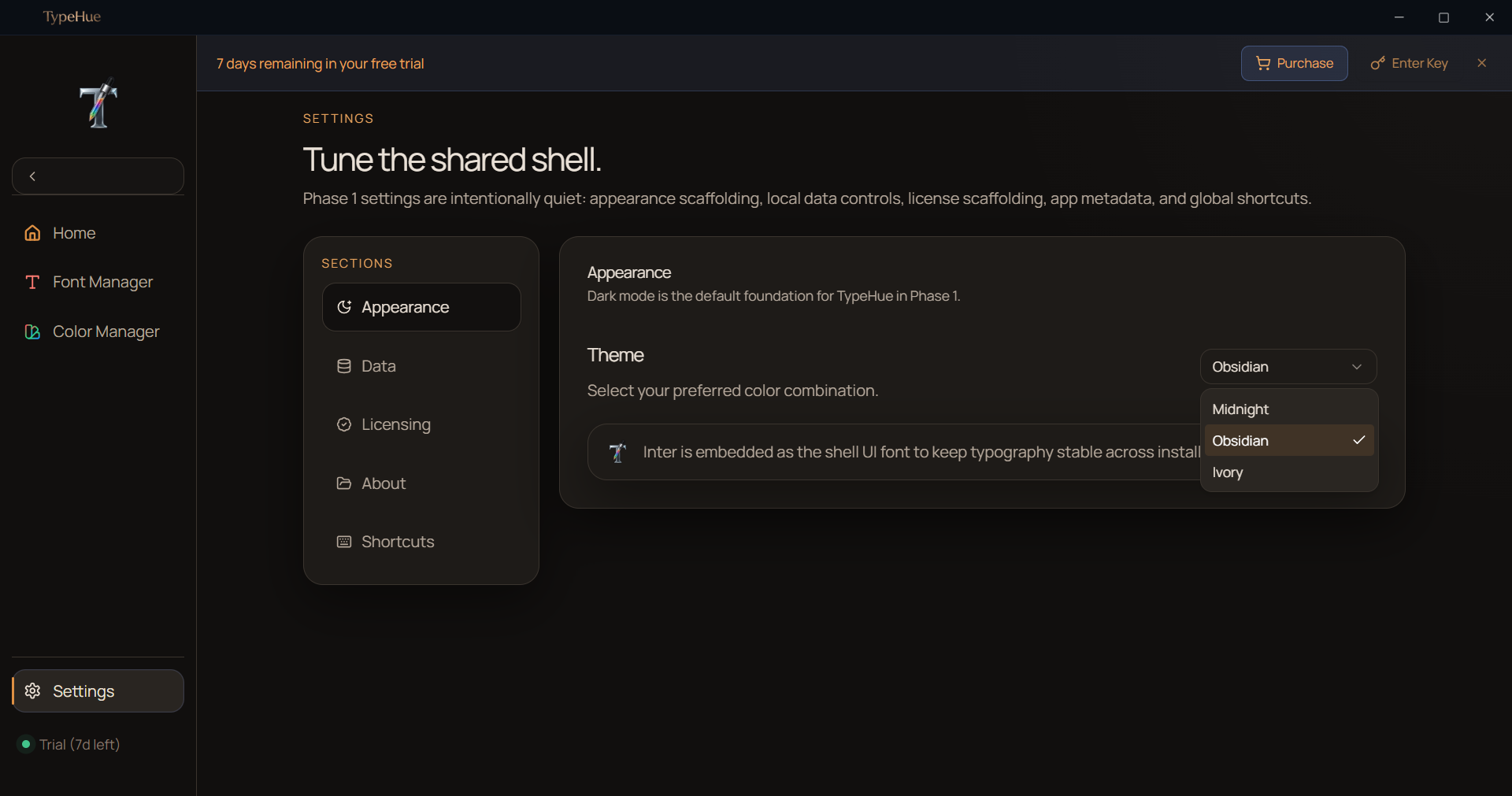
TypeHue Obsidian theme — ultra-dark UI for focused creative workflows
View Interface
TypeHue data management — font and color library statistics overview
View Interface
TypeHue light mode — clean white interface for daytime productivity
View Interface
TypeHue Color Manager — gradient color generation and visualization
View Interface
TypeHue Font Manager — grid view of installed fonts on Windows
View Interface
TypeHue Font Manager — detailed font metadata and glyph preview
View Interface
TypeHue Font Manager — side-by-side font comparison mode
View Interface
TypeHue Font Manager — font collection organization and favorites
View Interface
TypeHue Font Manager — list view with font weight previews
View Interface
TypeHue Color Manager — color palette workspace with HEX and RGB values
View Interface
TypeHue Color Manager — WCAG contrast ratio checker for accessibility
View Interface
TypeHue Color Manager — color wheel picker with HSL controls
View Interface
TypeHue Color Manager — palette generation with tint and shade steps
View Interface
TypeHue Color Manager — CSS and Tailwind variable export panel
View Interface
TypeHue Color Manager — snapshot history and color favorites
View Interface
TypeHue Midnight theme — dark mode interface for late-night design work
View Interface
TypeHue Obsidian theme — ultra-dark UI for focused creative workflows
View Interface
TypeHue data management — font and color library statistics overview
View Interface
TypeHue light mode — clean white interface for daytime productivity
View Interface
TypeHue Color Manager — gradient color generation and visualization
View Interface
TypeHue Color Manager — gradient color generation and visualization
View Interface
TypeHue light mode — clean white interface for daytime productivity
View Interface
TypeHue data management — font and color library statistics overview
View Interface
TypeHue Obsidian theme — ultra-dark UI for focused creative workflows
View Interface
TypeHue Midnight theme — dark mode interface for late-night design work
View Interface
TypeHue Color Manager — snapshot history and color favorites
View Interface
TypeHue Color Manager — CSS and Tailwind variable export panel
View Interface
TypeHue Color Manager — palette generation with tint and shade steps
View Interface
TypeHue Color Manager — color wheel picker with HSL controls
View Interface
TypeHue Color Manager — WCAG contrast ratio checker for accessibility
View Interface
TypeHue Color Manager — color palette workspace with HEX and RGB values
View Interface
TypeHue Font Manager — list view with font weight previews
View Interface
TypeHue Font Manager — font collection organization and favorites
View Interface
TypeHue Font Manager — side-by-side font comparison mode
View Interface
TypeHue Font Manager — detailed font metadata and glyph preview
View Interface
TypeHue Font Manager — grid view of installed fonts on Windows
View Interface
TypeHue Font Manager — grid view of installed fonts on Windows
View Interface
TypeHue Font Manager — detailed font metadata and glyph preview
View Interface
TypeHue Font Manager — side-by-side font comparison mode
View Interface
TypeHue Font Manager — font collection organization and favorites
View Interface
TypeHue Font Manager — list view with font weight previews
View Interface
TypeHue Color Manager — color palette workspace with HEX and RGB values
View Interface
TypeHue Color Manager — WCAG contrast ratio checker for accessibility
View Interface
TypeHue Color Manager — color wheel picker with HSL controls
View Interface
TypeHue Color Manager — palette generation with tint and shade steps
View Interface
TypeHue Color Manager — CSS and Tailwind variable export panel
View Interface
TypeHue Color Manager — snapshot history and color favorites
View Interface
TypeHue Midnight theme — dark mode interface for late-night design work
View Interface
TypeHue Obsidian theme — ultra-dark UI for focused creative workflows
View Interface
TypeHue data management — font and color library statistics overview
View Interface
TypeHue light mode — clean white interface for daytime productivity
View Interface
TypeHue Color Manager — gradient color generation and visualization
View Interface
100%

Local Storage

Your fonts and palettes never touch a server.

0ms

Cold Start

TypeHue opens instantly. No loading screen.

One-time

Honest Pricing

Pay $29 once. Use it forever.

Simple Pricing

One purchase.
Yours forever.

No subscriptions. No monthly fees. Pay once, use TypeHue on your device permanently.

$29USD · One-time · No subscription
  • 7-day full-feature trial included
  • Font Manager — full local library control
  • Color Manager — palettes, WCAG, design variable export
  • Offline-first, no cloud dependency
  • Lifetime updates included
Download Free Trial

Free 7-day trial, then $29 one-time. No subscription.

Requires Windows 10 (64-bit) or Windows 11

Windows may show a first-run publisher warning before opening the app. TypeHue is safe to continue if downloaded from this official site.

Important: One License per One Device

License keys bind to the first device they are activated on. Ensure you activate only on your primary machine. If the tab closes early, use Recover license.

Frequently Asked